My Untitled Site
There's nothing here yet (well, except for this message), but clicking on the "+" button in the menu above should change that. Have fun! :)
Practical. Flexible. Results focused.Practical Excel training
Practical Excel training
and spreadsheet supportfor work, study and business.
Courses, spreadsheet help and practical tools to help you work smarter, reduce errors and achieve more with Excel.
✓PracticalReal-world Excel support✓FlexibleTraining that fits your needs✓Results focusedClear, useful outcomes✓25+ yearsFinance & business experience
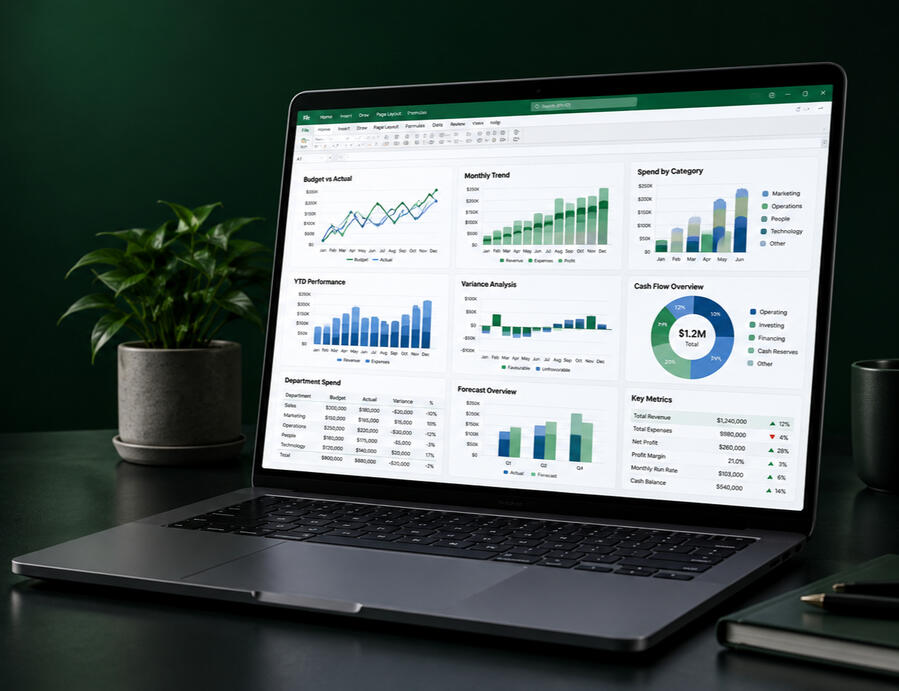
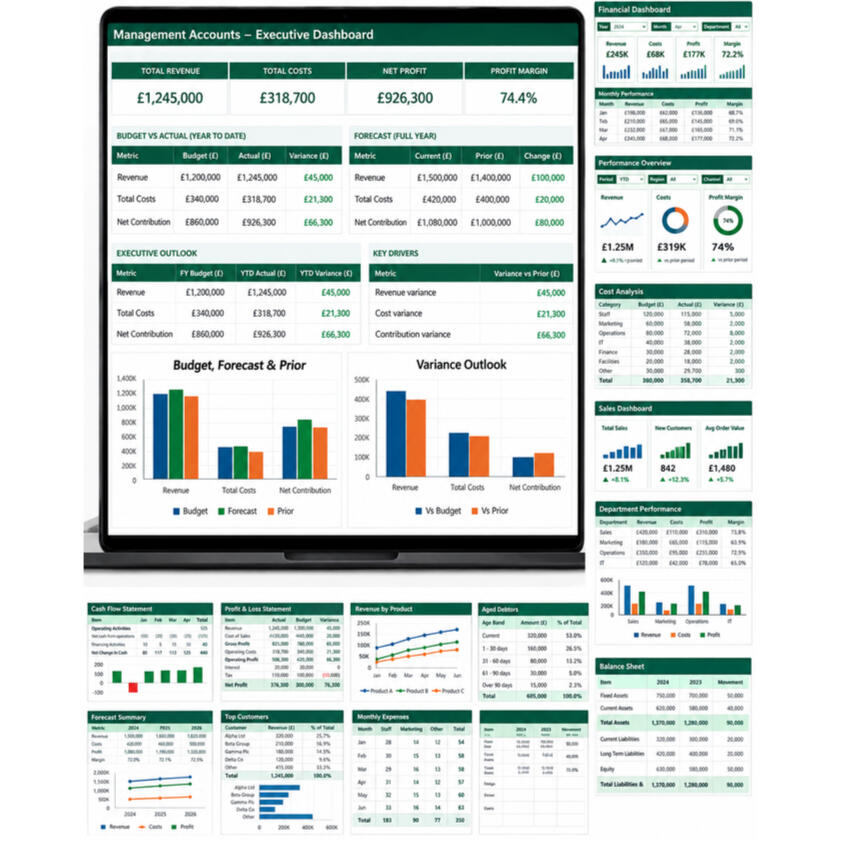
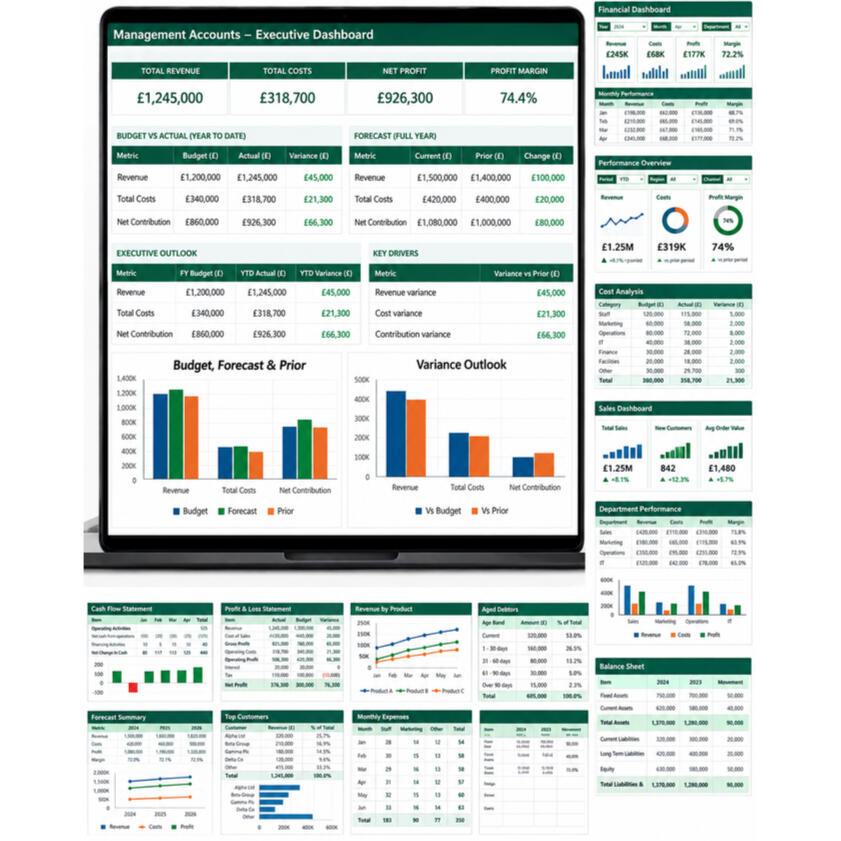
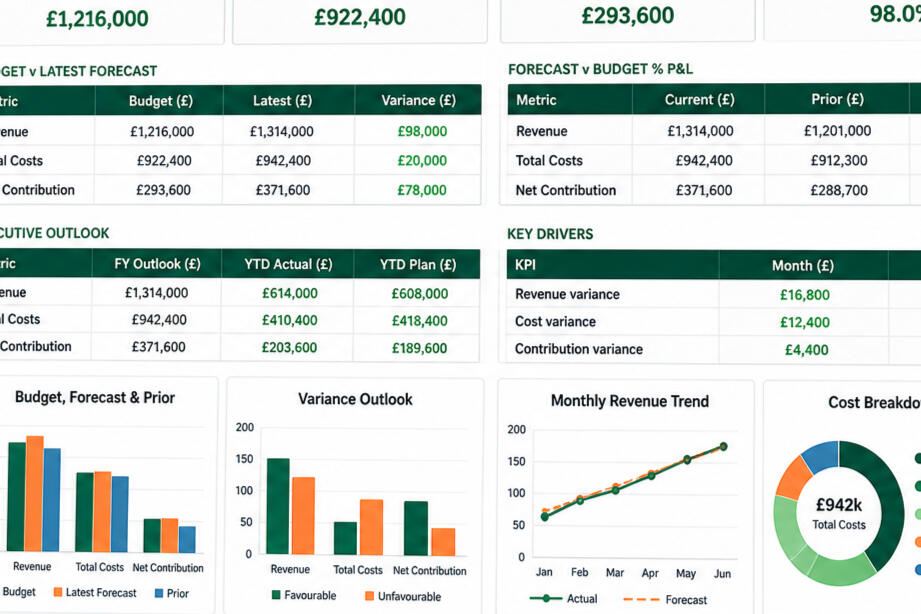
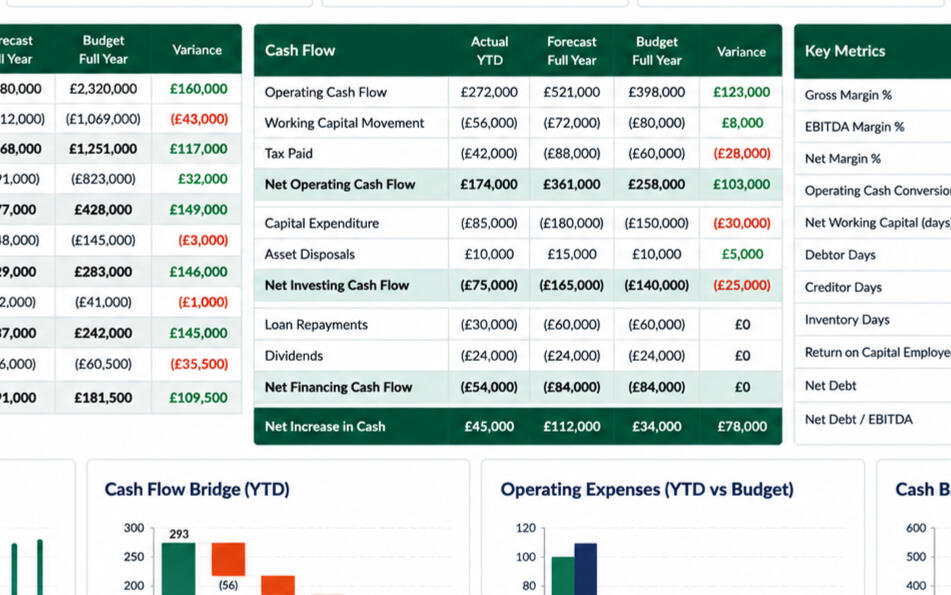
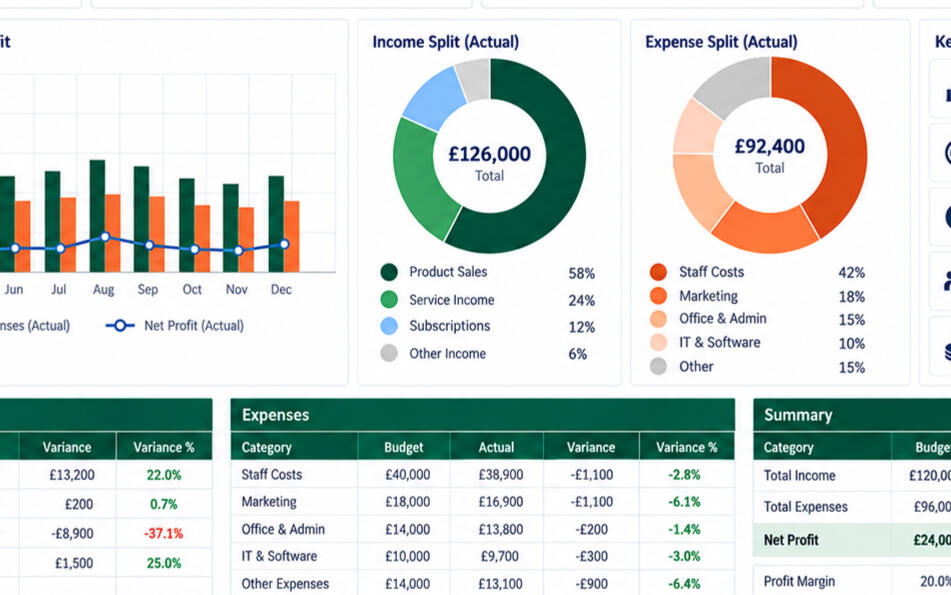
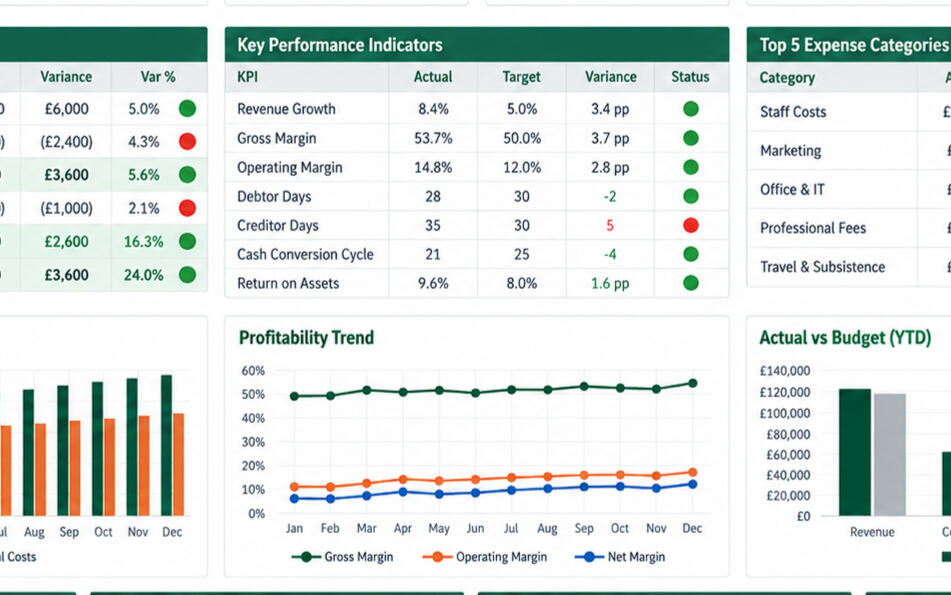
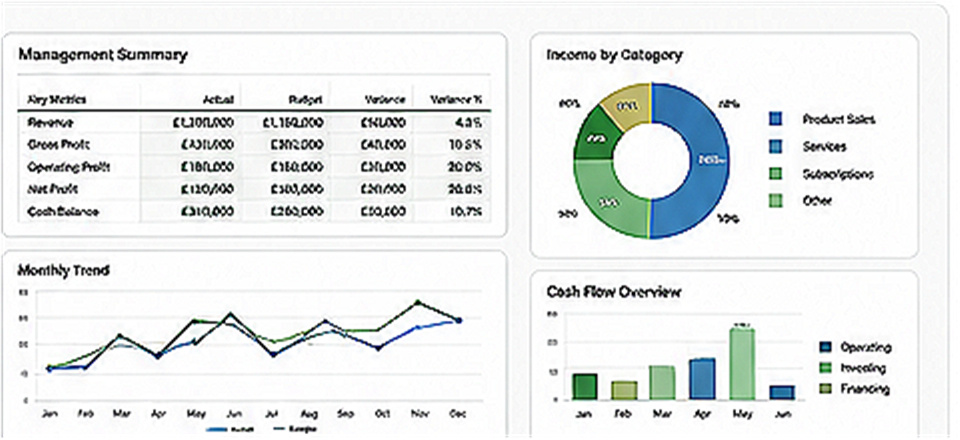
EXAMPLE OF MY WORKManagement Accounts Dashboard
Find the right Excel support
Individuals
Excel support to build skills, solve problems and work more confidently.
Explore this path →Students & Learners
Excel support for study, apprenticeships, AAT learners and people starting work.
Explore this path →Teams & Businesses
Excel support to improve skills, productivity and confidence across your team.
Explore this path →One range of practical Excel support, tailored to different needs.
Courses, spreadsheet help, templates, training and ongoing support are available across all three routes.
I’ve designed budgets, forecasts, dashboards and automated reporting tools in finance and business roles.
•••
Send me an enquiry→Not sure where to start?
Tell me what you need help with and I’ll point you in the right direction.
How I can help
Courses
Learn Excel at your own pace.
→One-to-one Excel Help
Personal help online; in person by arrangement.
→Spreadsheet Doctor
Fix errors and improve your spreadsheets.
→Templates & Tools
Ready-to-use Excel templates and tools.
→Team Training
Practical Excel training for your team.
→Retainer Support
Ongoing Excel support when you need it.
→Featured resources
View all templates →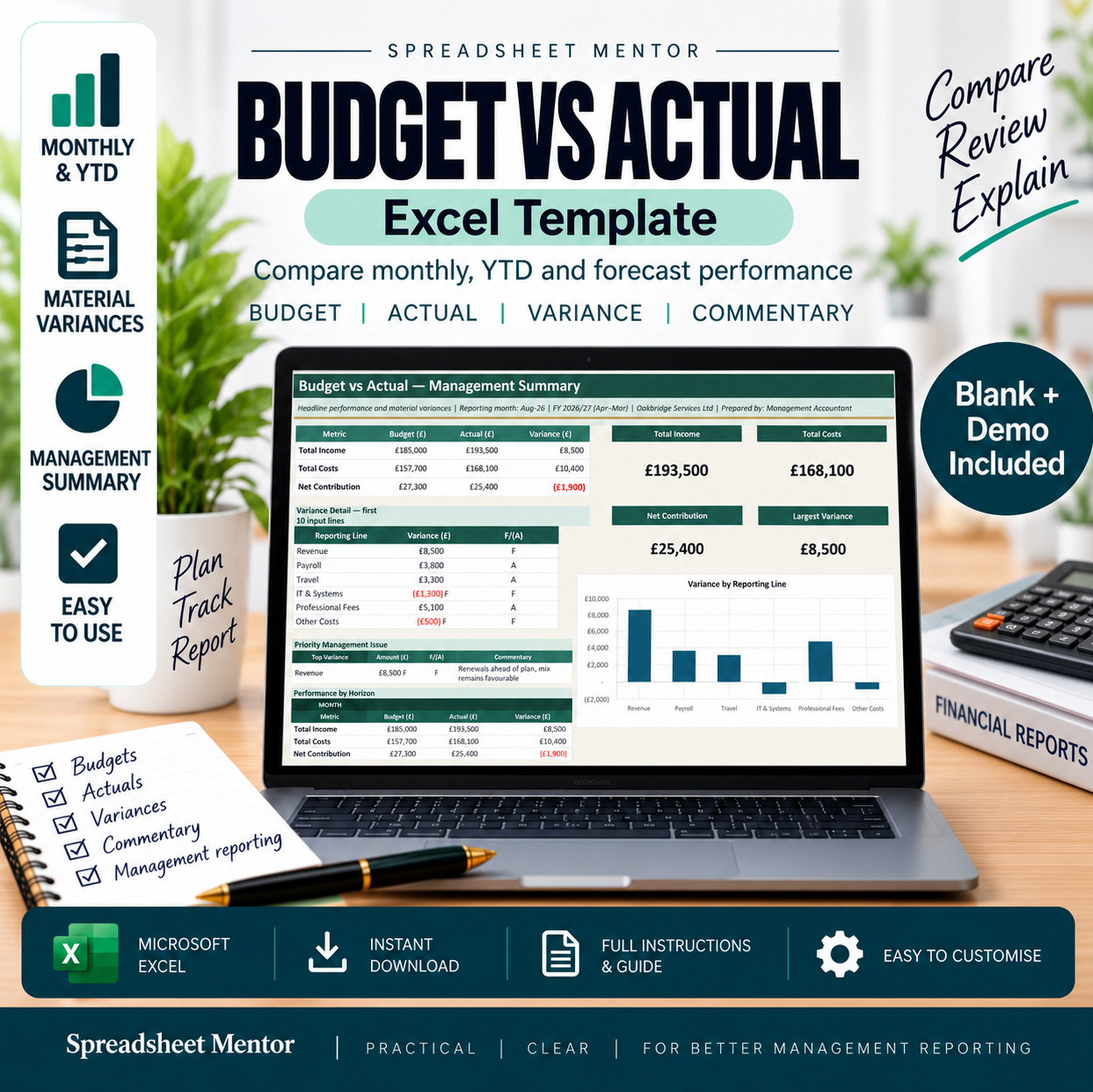
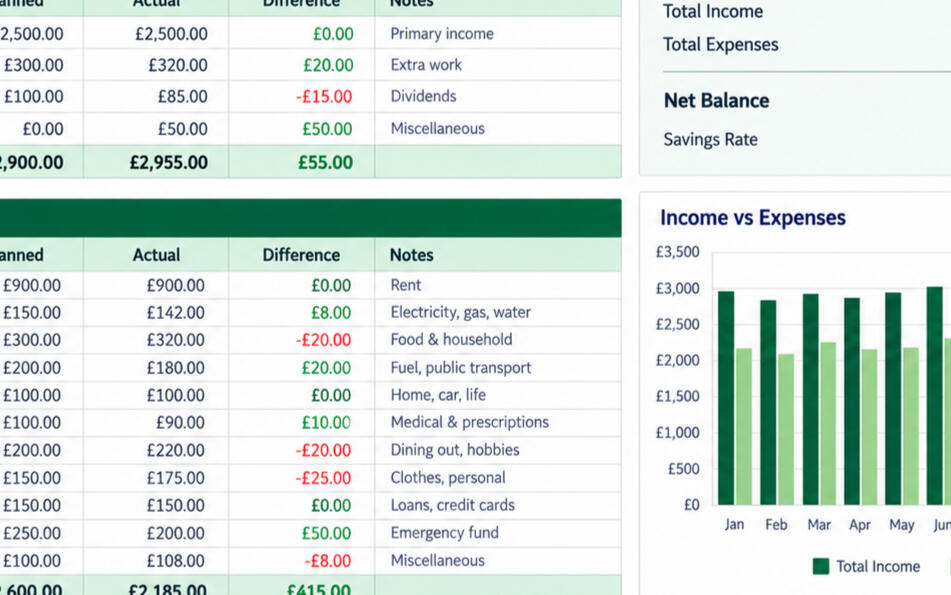
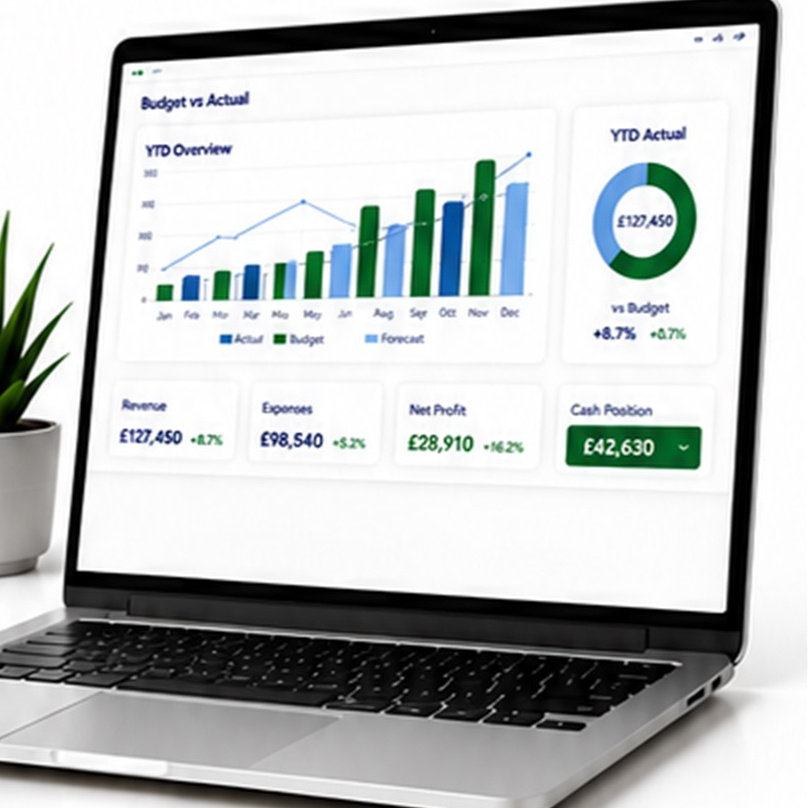
Budget vs Actual Excel Template
Track performance against budget with clear visual dashboards.
View template →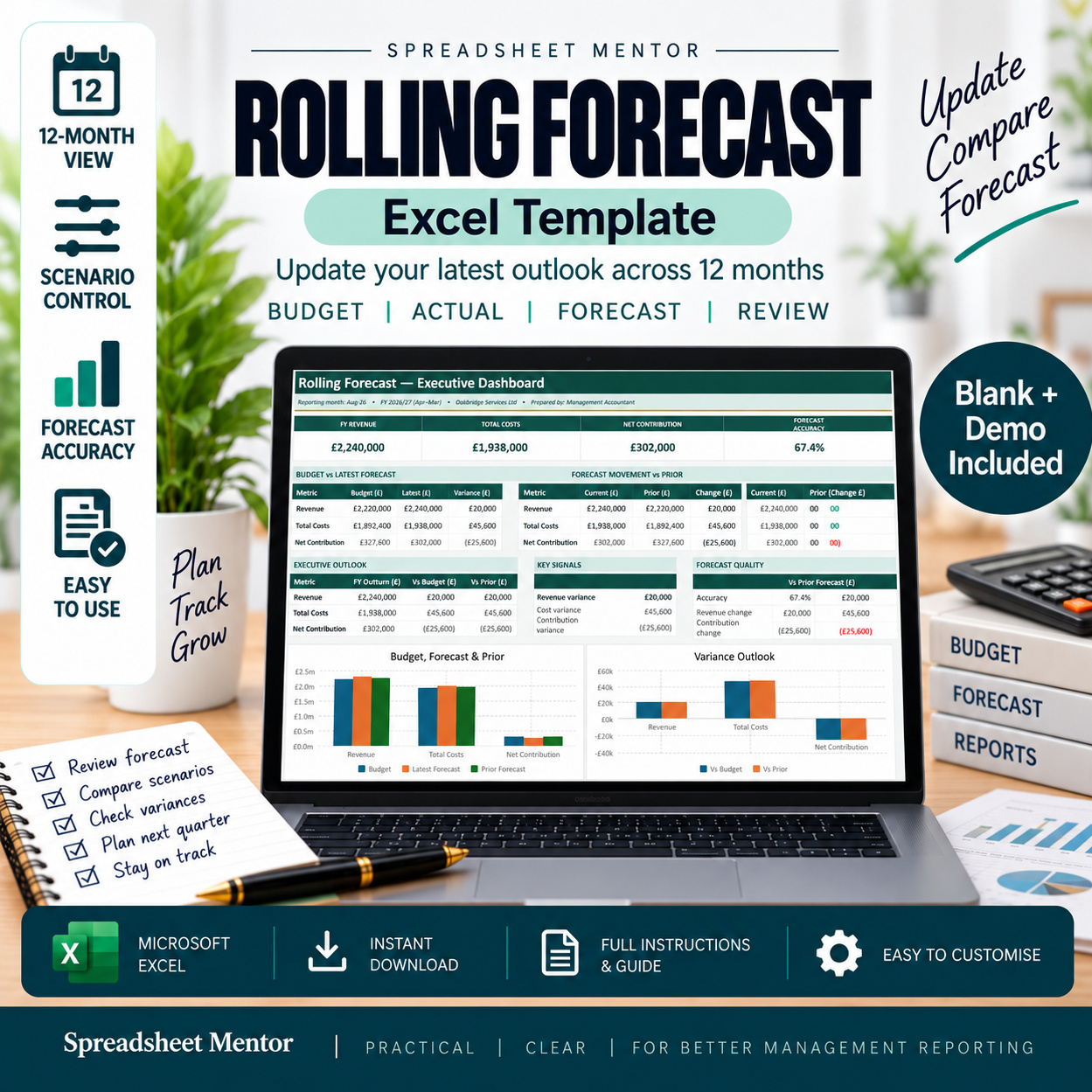
•••
Send me an enquiry→Not sure where to start?
Tell me what you need help with and I’ll point you in the right direction.
INDIVIDUALSPractical Excel support
Practical Excel support
for individuals.Build confidence.
Solve problems.
Get more done.
Whether you’re building your skills, solving a tricky problem or creating better spreadsheets, I’m here to help you succeed with Excel.
PracticalReal-world solutions you can use straight away.
FlexibleLearn at your pace or get help when you need it.
Results focusedImprove your skills, solve problems and get things done.
Friendly supportClear, patient and down-to-earth support you can rely on.
How I can help you
Courses
Self-paced courses to build your confidence and strengthen your Excel skills step by step.
Explore courses →One-to-one Excel Help
1-to-1 or small group sessions online. Learn practical skills and get your questions answered.
Book a session →Spreadsheet Doctor
Stuck or short on time? I fix errors, improve layouts and build better solutions.
Get help now →Templates & Tools
Ready-to-use templates and practical tools to save time and work smarter every day.
Browse templates →Team Training
Retainer Support
Popular resources
Browse all templates →Budget vs Actual Excel Template
Track performance against budget with clear visual dashboards.
View template →•••
Send me an enquiry→Not sure where to start?
Tell me what you need help with and I’ll point you in the right direction.
STUDENTS & LEARNERSPractical Excel training
Practical Excel training
to help you achieve more
with Excel.
Practical, friendly Excel support for university students, college students, apprentices, AAT learners and anyone preparing for work.
Practical skillsLearn Excel skills you can use in study and future work.
Learn at your paceFlexible support that fits around your schedule and commitments.
Build confidenceUnderstand Excel properly and feel confident using it.
Career-ready ExcelDevelop skills that make you more capable and more employable.
One-to-One TrainingCourses
♧
Bespoke One-to-One Excel Training
From £45 per hour
Online, tailored Excel sessions focused on your goals. Get practical help with formulas, data analysis, charts, reports, coursework understanding and preparing for the workplace.
Single session
£45One hour of tailored online Excel training.
Three-hour package BEST VALUE
£120Three flexible one-hour sessions. Save £15.
ⓘ Training and guidance only — not a homework or assignment completion service.
Who this is for
University & College StudentsBuild Excel skills for coursework, data analysis and future employment.
›Apprentices & AAT LearnersDevelop practical Excel skills for coursework and professional exams.
›Career StartersPrepare for work with essential Excel skills employers value.
›Anyone Building ConfidenceStart from the basics and learn Excel in a clear, friendly way.
›Featured course
COURSE
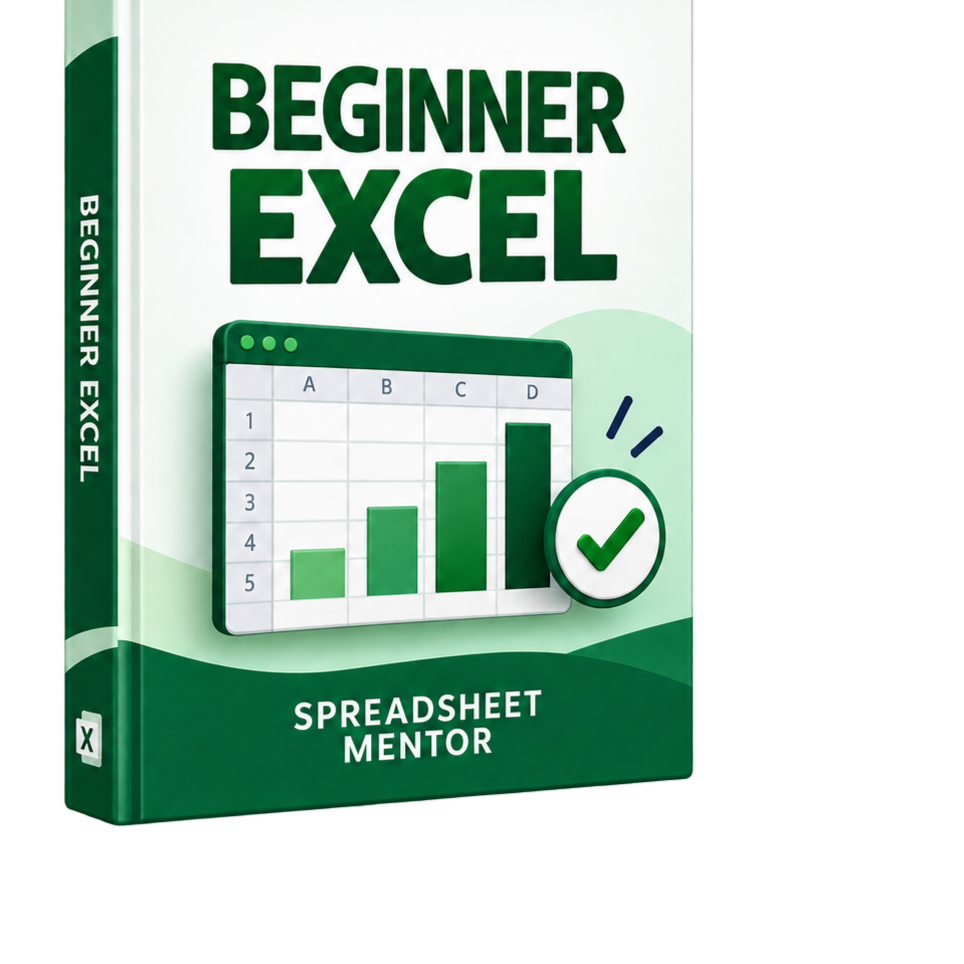
Beginner Excel — Practical Excel Skills
Learn the essential Excel skills you actually use at work.
8 practical lessons, hands-on practice and real results.
▣ 8 practical lessons▦ Hands-on workbooks✓ Learn at your own pace
£29.99One-time purchaseView the course →
✓ Instant access to course
✓ Yours to keep and use
✓ 30-day money-back guarantee*
What you can learn
•••
Build practical Excel skills with expert guidance.
Get one-to-one support or start learning at your own pace.

Excel Templates & Tools
Professional spreadsheets for work,
planning and everyday life.
Instant download. Easy to use.
Built in Microsoft Excel.
Save time, make better decisions
and stay in control.
Instant downloadGet started straight away.
Easy to useClear layouts & guidance.
Fully customisableTailor to your needs.
Trusted qualityBuilt by a finance professional.
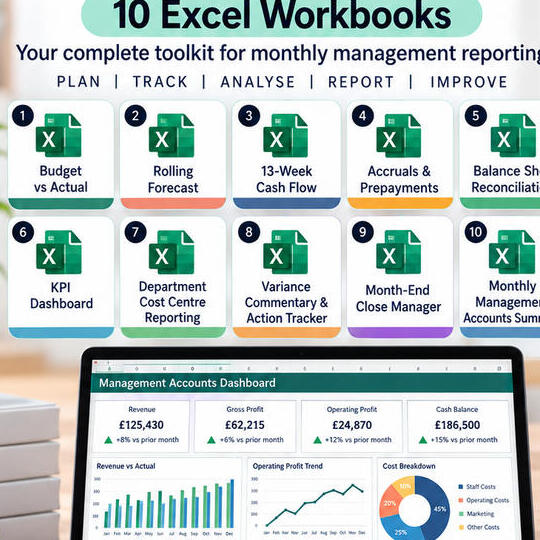
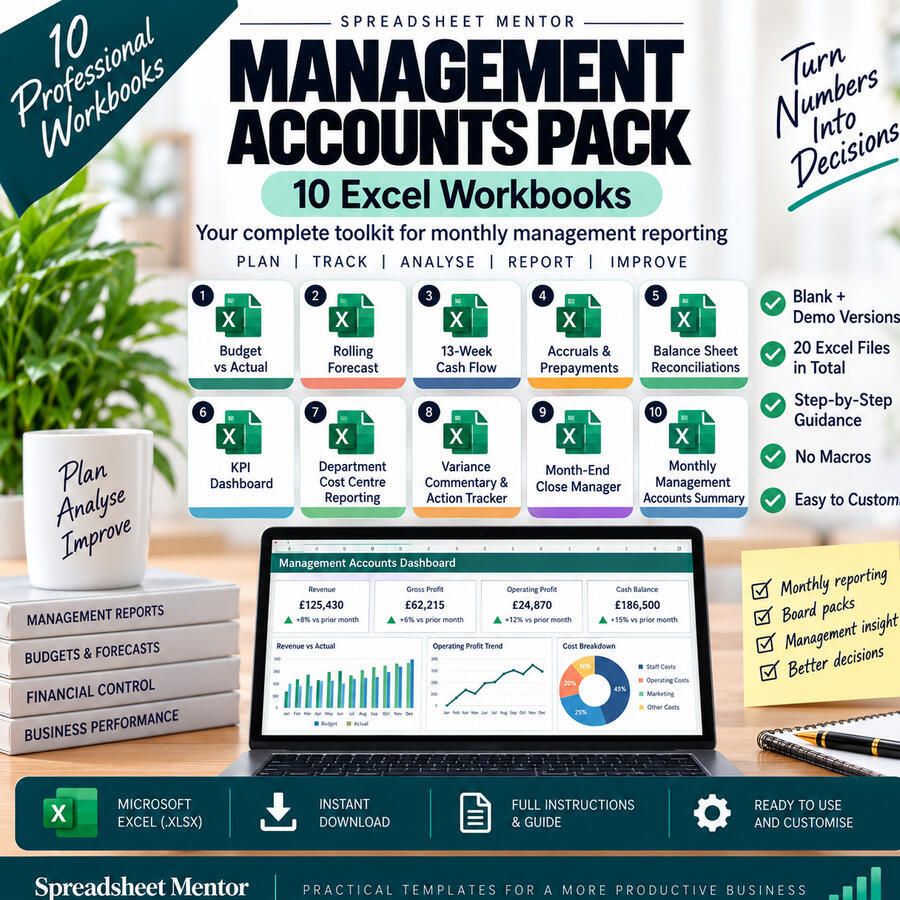
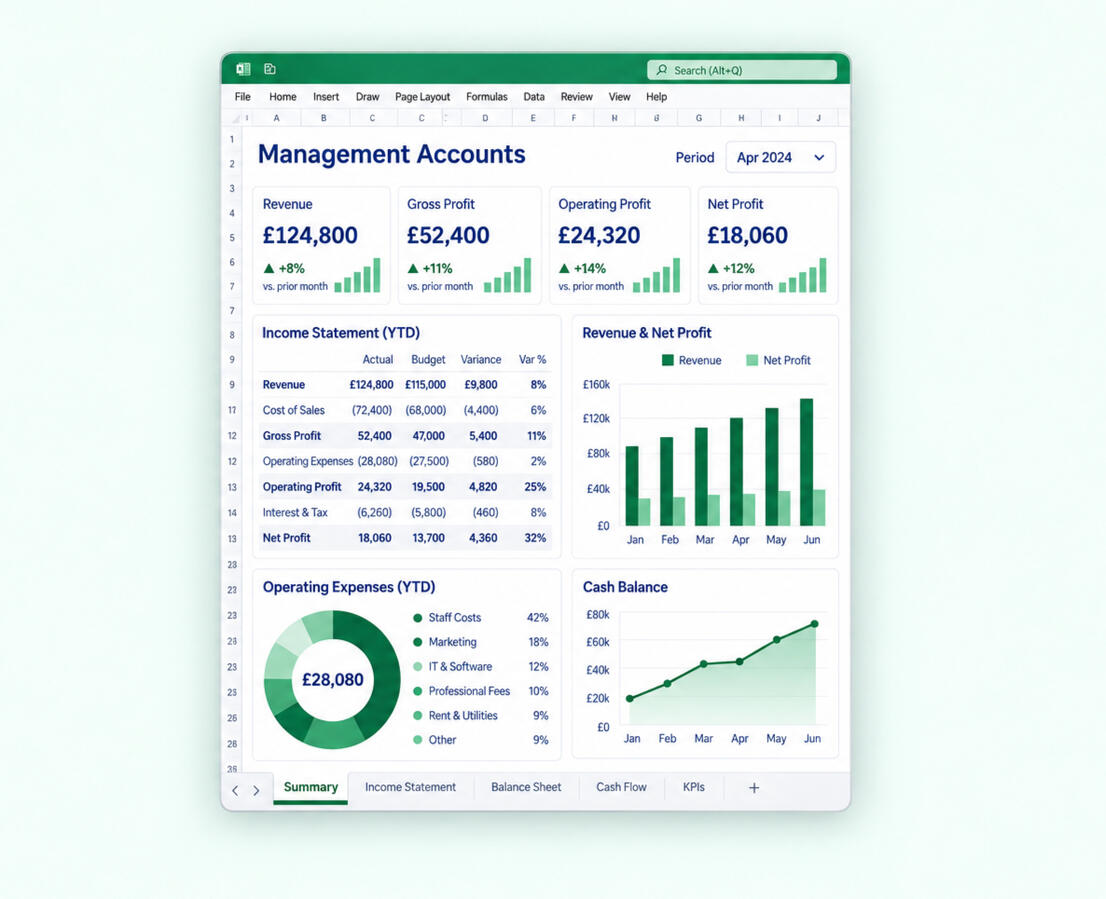
FEATUREDManagement Accounts
Management Accounts
Template Bundle
10 professional spreadsheets for complete monthly reporting.
- Save over 30% vs buying individually
- Blank and demo versions included
- Instant download and easy to use
Management Accounts Pack
A complete toolkit for monthly management reporting.
- 10 professional Excel workbooks
- Blank and demo versions included
- Step-by-step guidance and no macros
Browse by category
All templatesManagement AccountsSmall Business TemplatesPersonal AccountsPlanning TemplatesFree Templates
ⓘ Choose a category to view its templates
Management Accounts
Professional finance and reporting spreadsheets.
Management Accounts Pack
A complete toolkit for monthly management reporting.
- 10 professional Excel workbooks
- Blank and demo versions included
- Step-by-step guidance and no macros
Management Accounts Pack
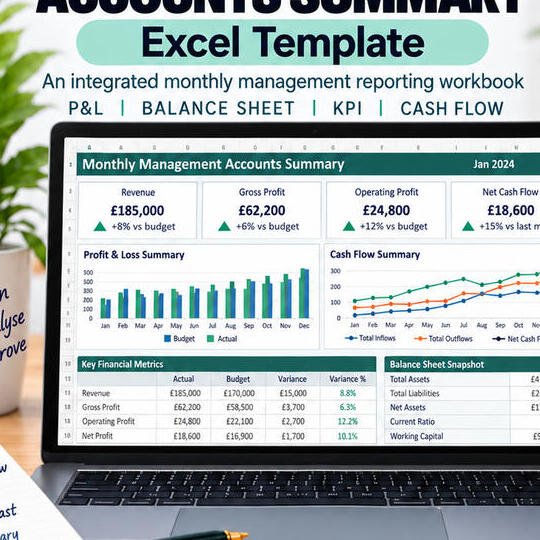
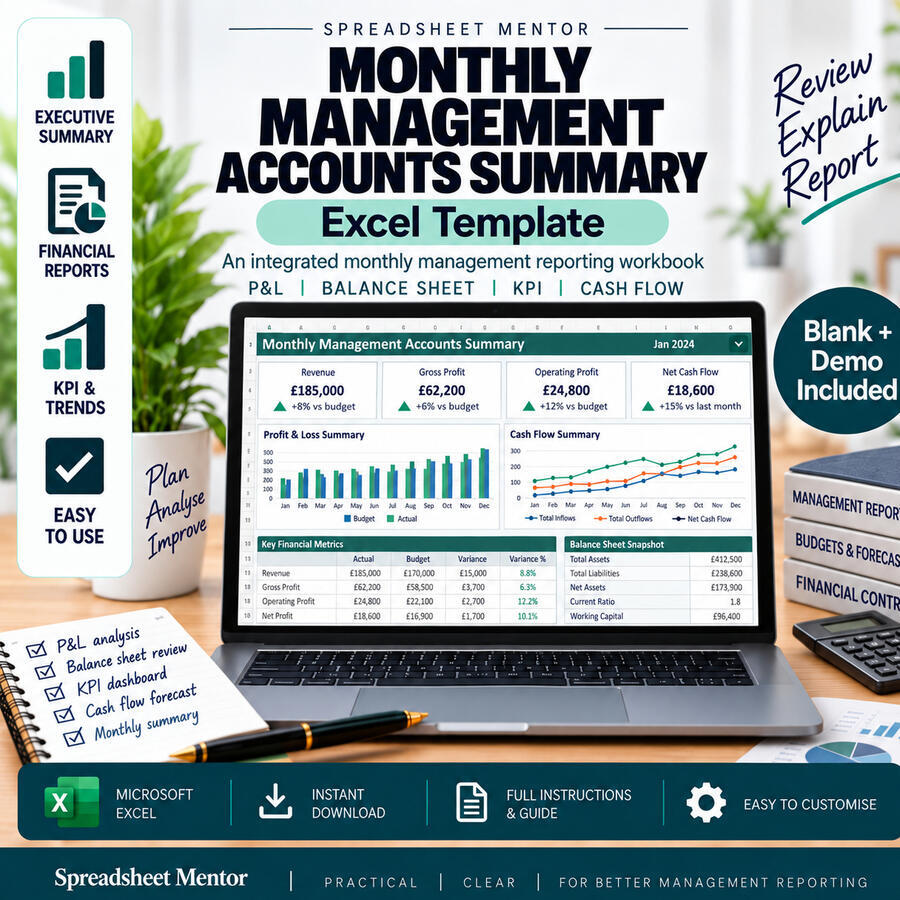
£69.98View templateMonthly Management Accounts Summary
An integrated monthly management reporting workbook.
- Profit and loss and balance sheet review
- KPI dashboard and trend analysis
- Cash flow forecast and monthly summary
Monthly
Management Accounts
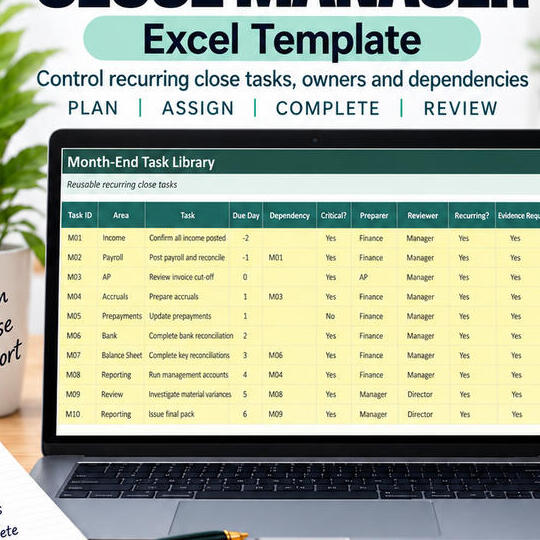
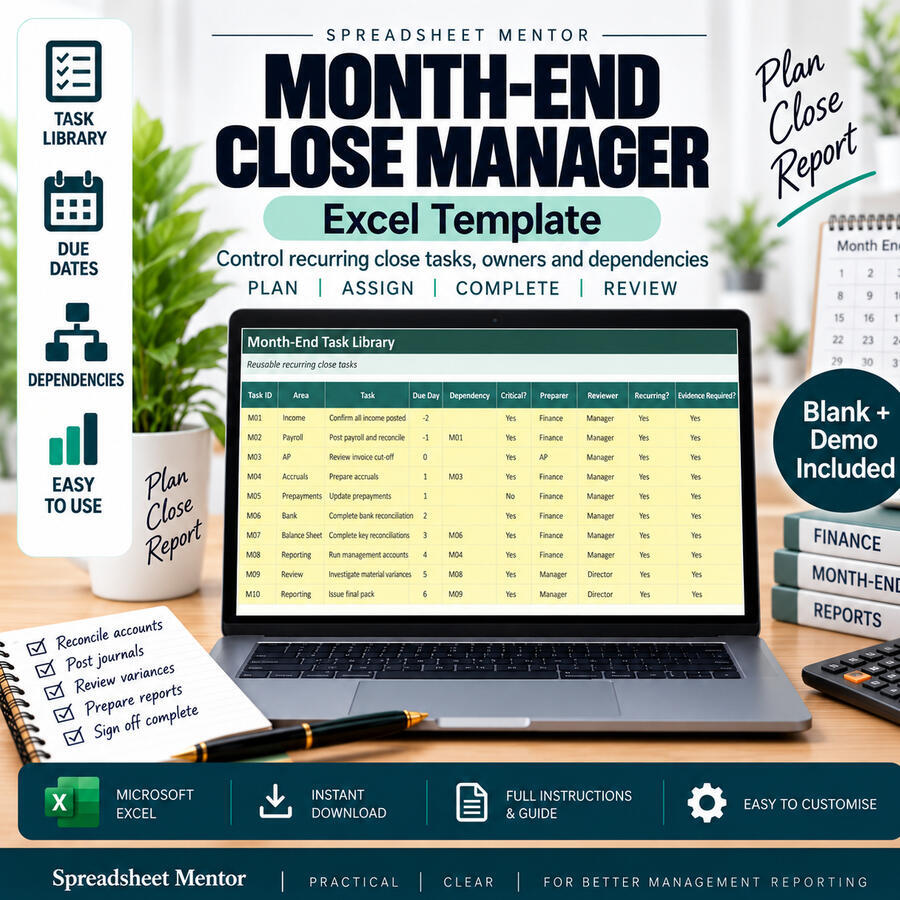
£29.99View templateMonth-End Close Manager
Control recurring close tasks, owners and dependencies.
- Plan and assign month-end tasks
- Track due dates and dependencies
- Complete, review and report progress
Month-End Close Manager
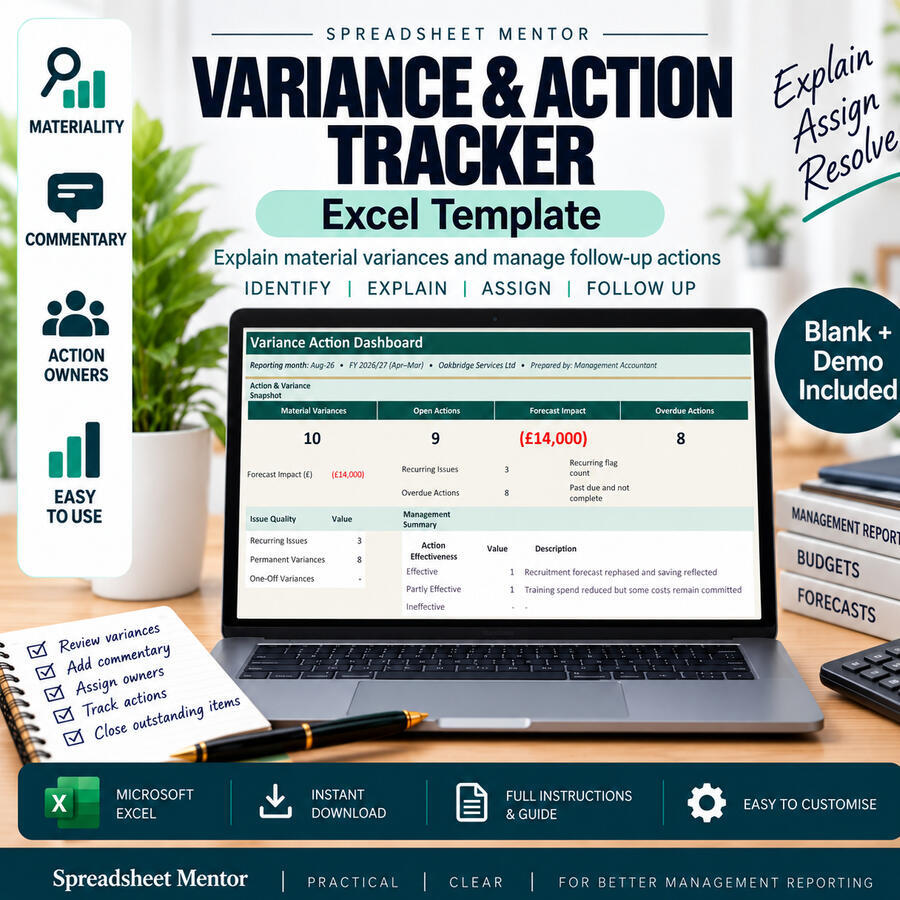
£16.00View templateVariance & Action Tracker
Explain material variances and manage follow-up actions.
- Identify and explain key variances
- Assign actions and owners
- Track follow-up through to resolution
Variance & Action Tracker
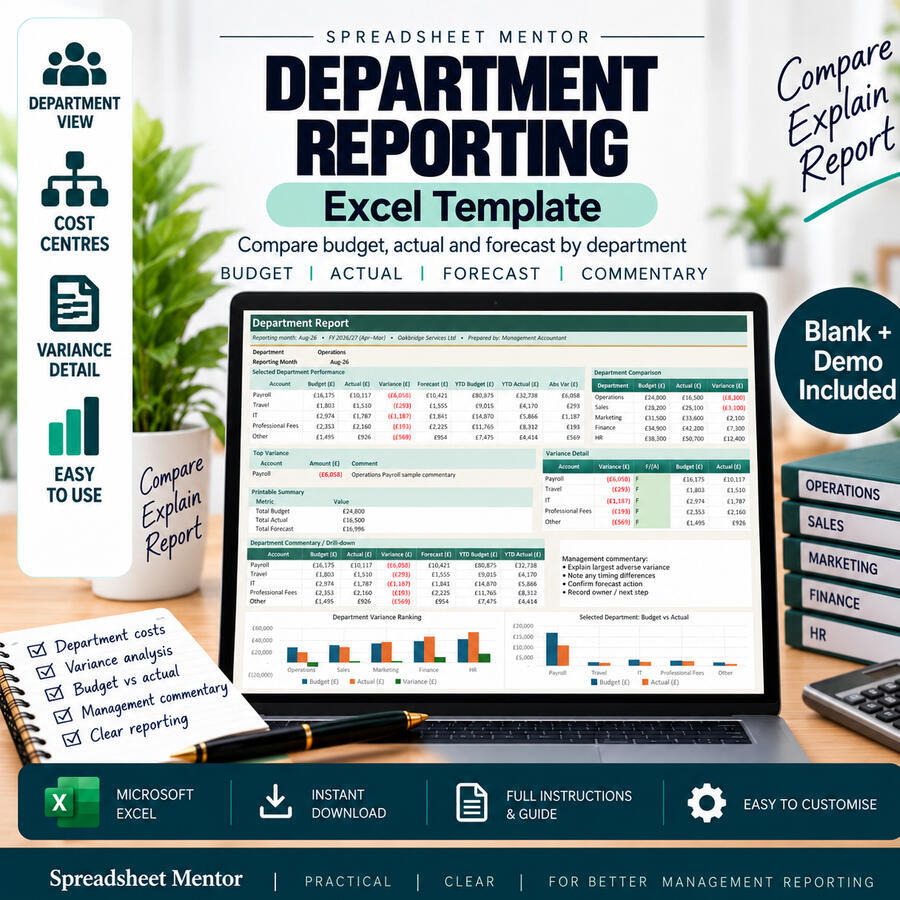
£14.99View templateDepartment Reporting
Compare budget, actual and forecast by department.
- Department and cost-centre views
- Variance analysis and commentary
- Clear management reporting dashboard
Department Reporting
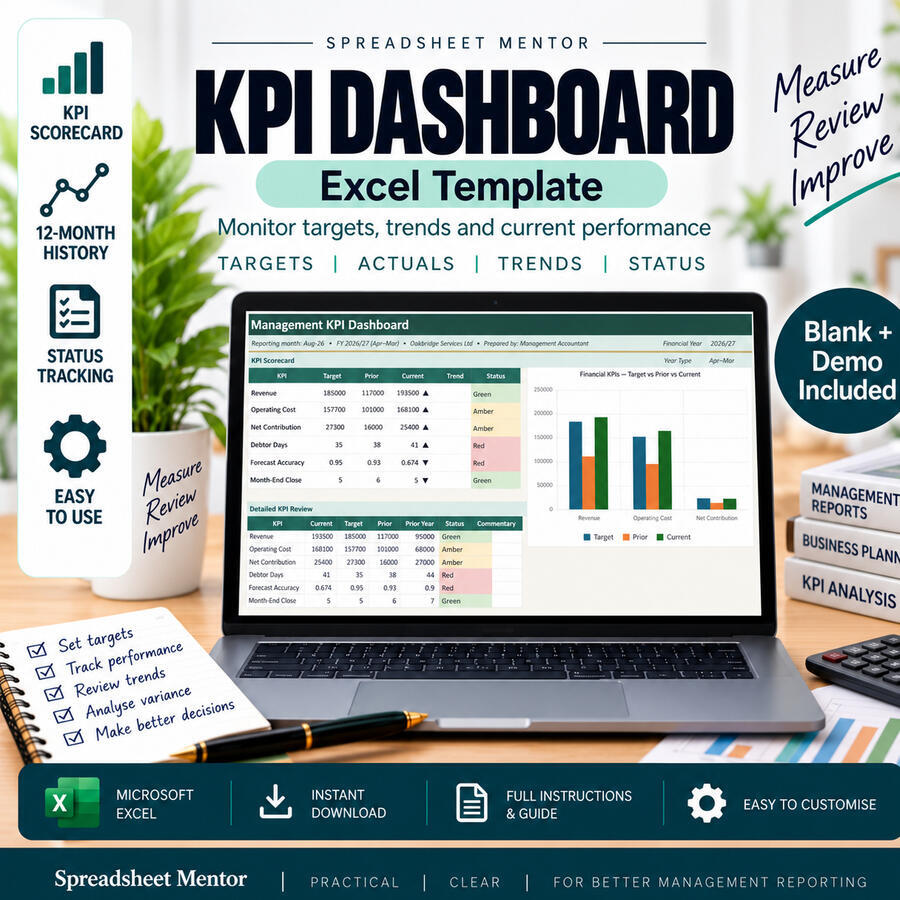
£16.00View templateKPI Dashboard
Monitor targets, trends and current performance.
- KPI scorecard and status tracking
- 12-month performance history
- Review trends and improve decisions
KPI Dashboard
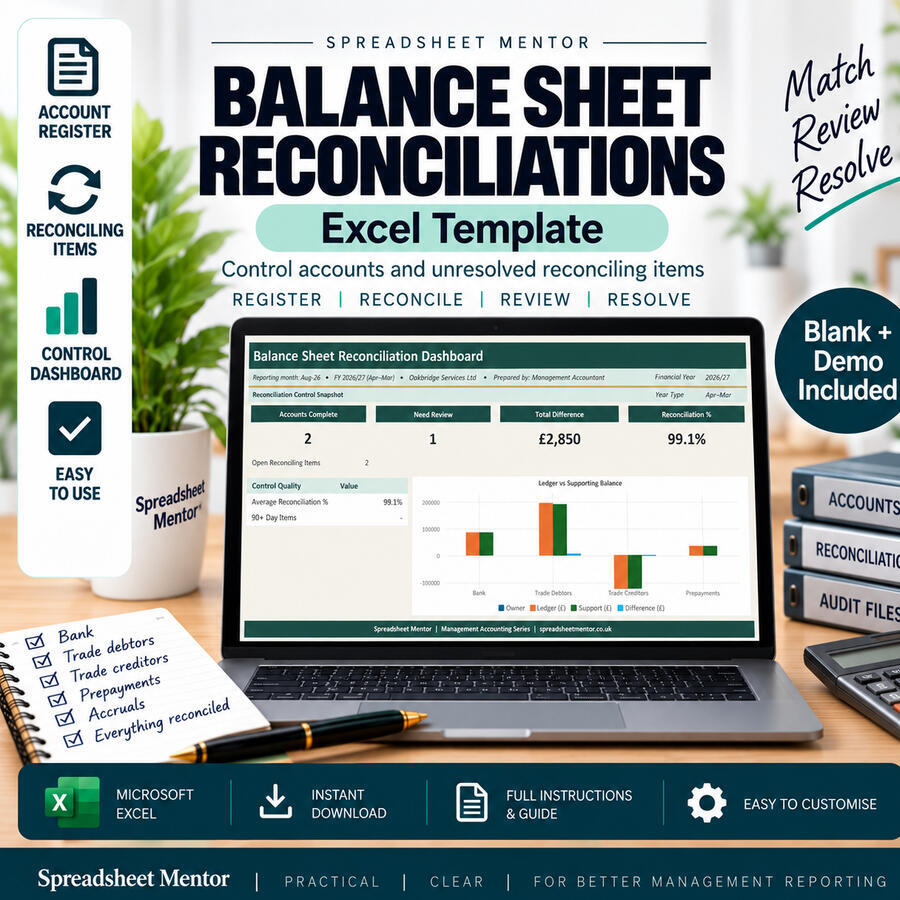
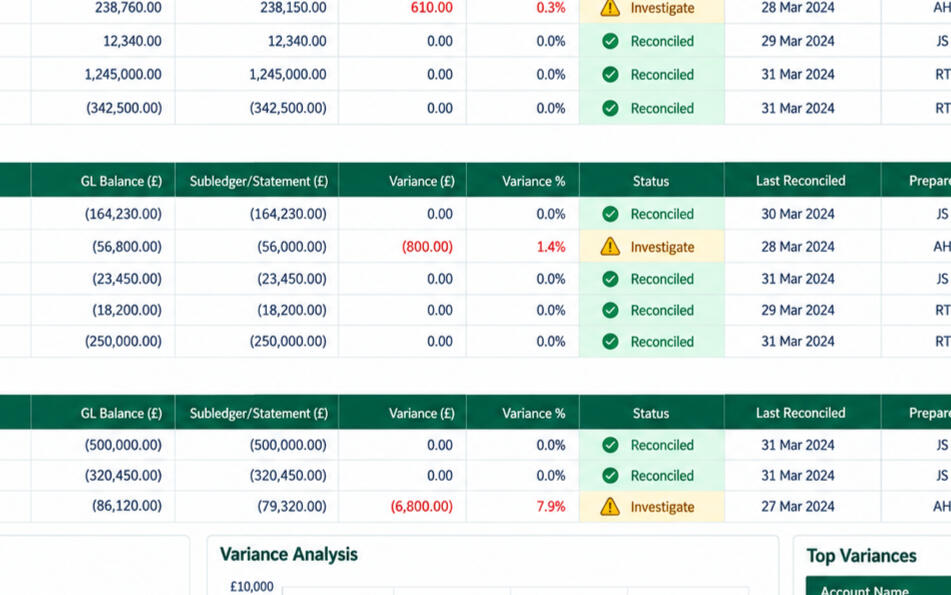
£11.99View templateBalance Sheet Reconciliations
Control accounts and unresolved reconciling items.
- Account register and control dashboard
- Match and review balances
- Track and resolve reconciling items
Balance Sheet Reconciliations
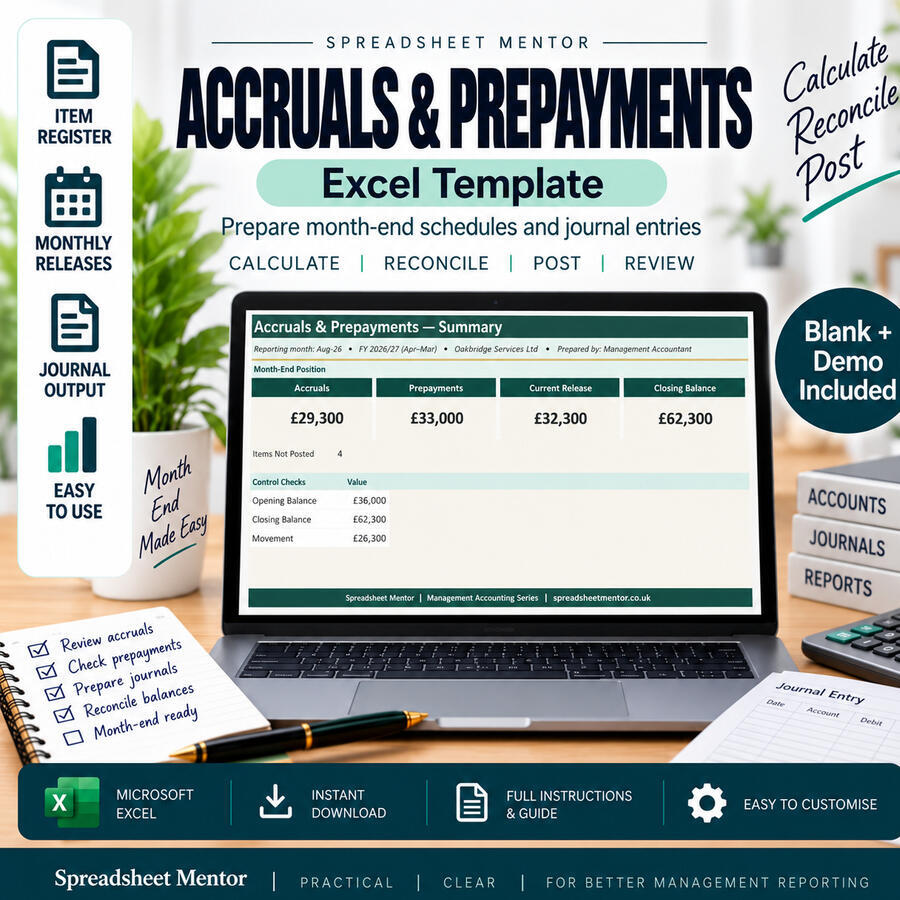
£14.99View templateAccruals & Prepayments
Prepare month-end schedules and journal entries.
- Accrual and prepayment registers
- Monthly releases and control checks
- Journal output ready for posting
Accruals & Prepayments
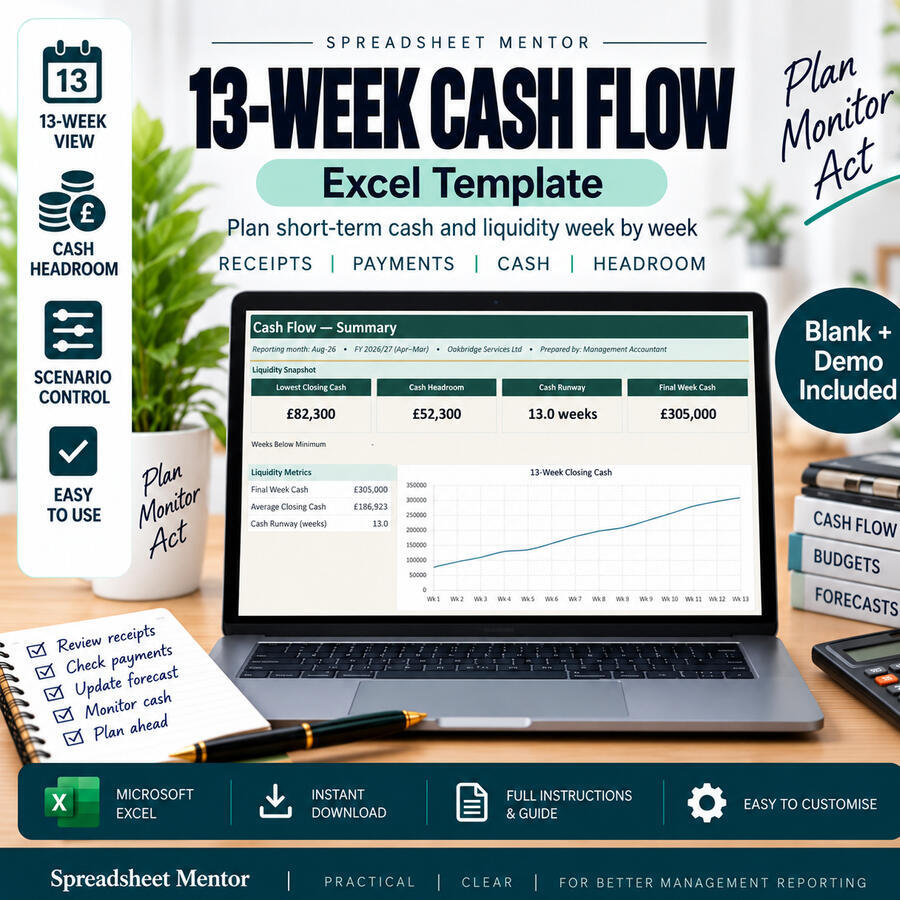
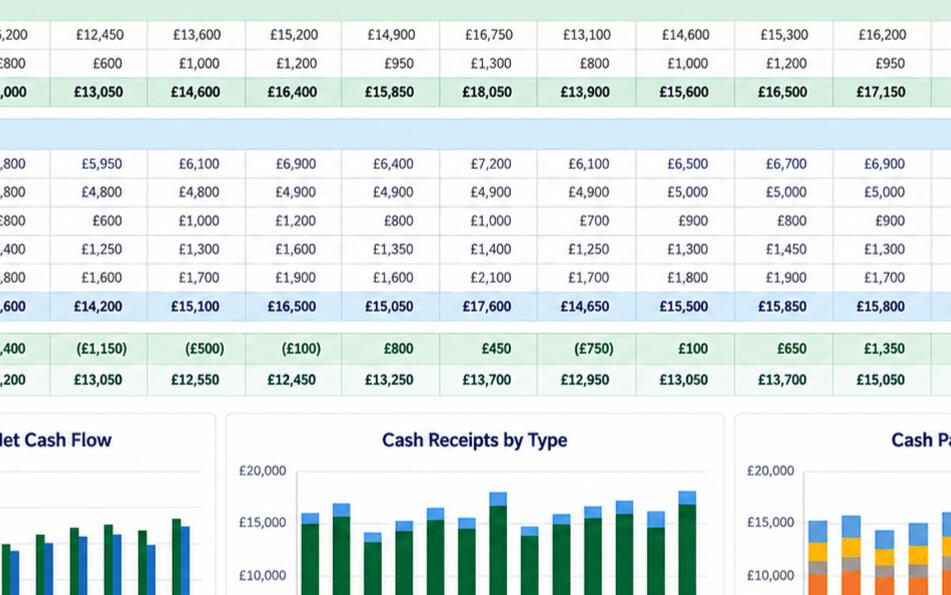
£14.99View template13-Week Cash Flow
Plan short-term cash and liquidity week by week.
- 13-week receipts and payments view
- Cash headroom and runway monitoring
- Scenario control for better planning
13-Week Cash Flow
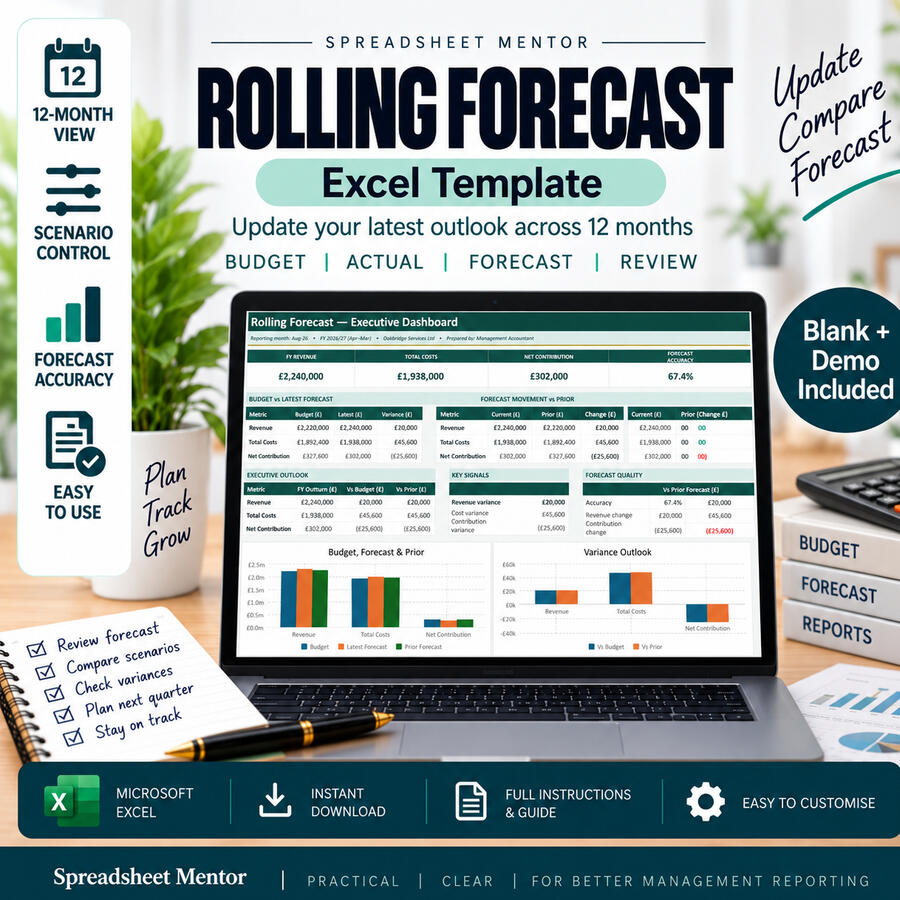
£14.99View templateRolling Forecast
12-month rolling forecast with executive dashboard.
- Budget, actual and forecast comparison
- Scenario control and forecast accuracy
- Blank and demo workbooks included
Rolling Forecast
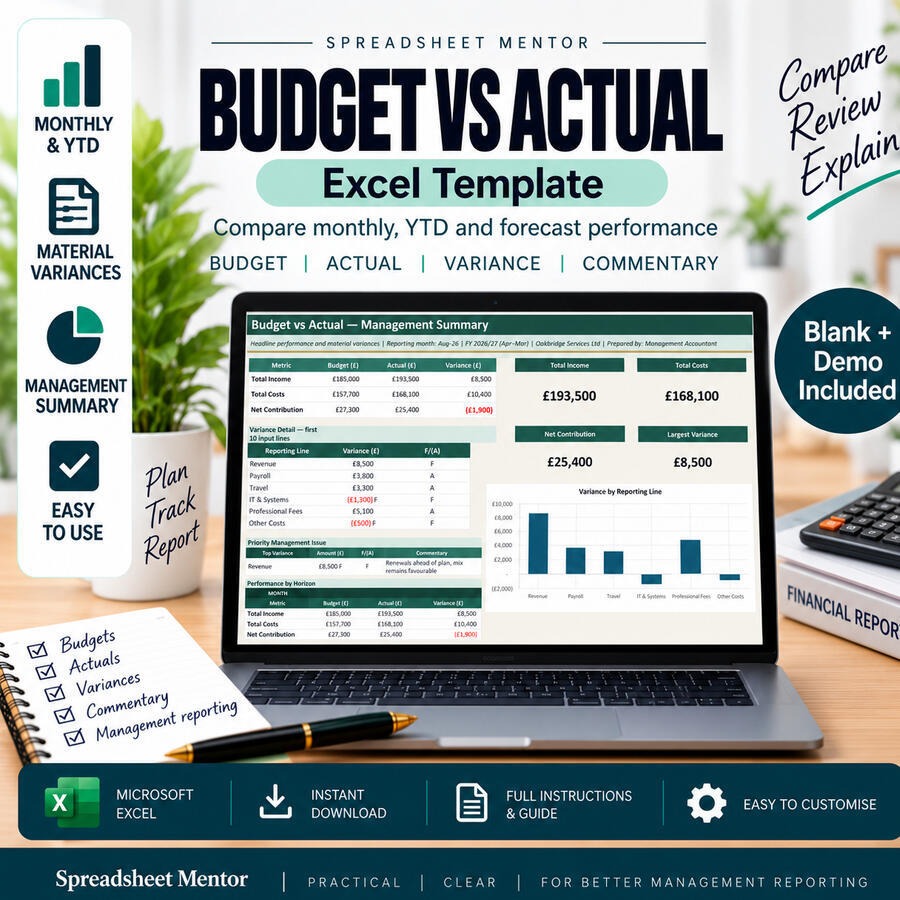
£13.99View templateBudget vs Actual
Compare monthly, YTD and forecast performance.
- Budget, actual and variance reporting
- Management summary and commentary
- Blank and demo workbooks included
Budget vs Actual
£11.99View templateFree Templates
Useful Excel templates to help you plan, organise and stay on track.
52-Week Savings Challenge
Save each week and watch your total grow.
- Set your savings target
- Record weekly contributions
- Track progress and the amount remaining
- Blank and sample workbook included
52-Week Savings Challenge
FreeView templateHoliday Packing Checklist
Organise everything you need for your holiday.
- Build a reusable packing list
- Track essentials and quantities
- Mark items packed and see what remains
- Blank and sample workbook included
Holiday Packing Checklist
FreeView templateWeekly Meal Planner & Shopping List
Plan seven days of meals and organise your shopping.
- Plan breakfasts, lunches and dinners
- Add preparation notes
- Organise your weekly shopping list
- Blank and sample workbook included
Weekly Meal Planner & Shopping List
FreeView templateMonthly Bill Checklist
Track due dates, expected costs and payments.
- List bills and payment dates
- Compare expected and actual amounts
- Track paid, scheduled and unpaid bills
- Blank and sample workbook included
Monthly Bill Checklist
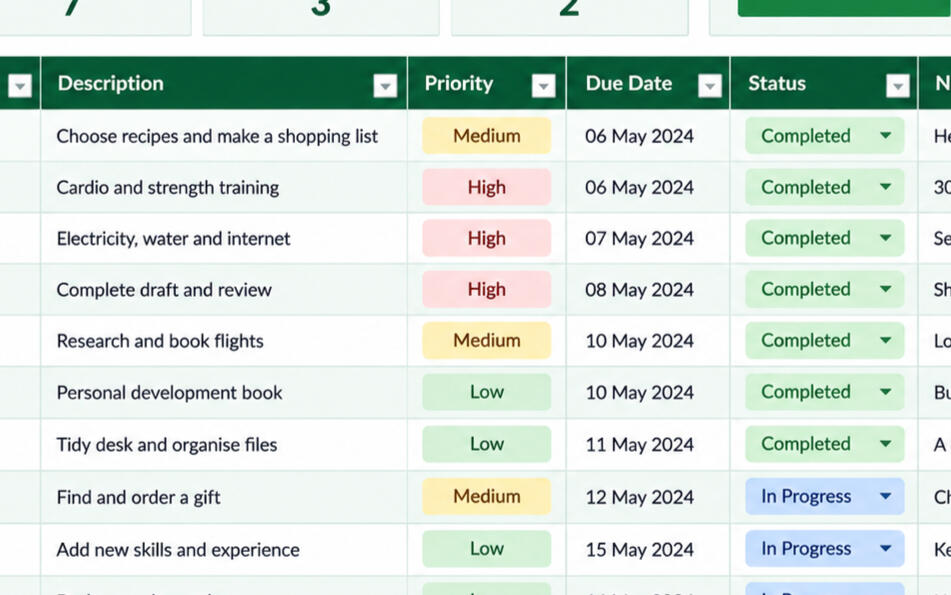
FreeView templateSimple To-Do Tracker
Keep tasks, deadlines and priorities organised.
- Plan tasks and priorities
- Assign owners and deadlines
- Track progress and overdue work
- Blank and sample workbook included
Simple To-Do Tracker
FreeView template30-Day Habit Tracker
Build consistent habits and track 30 days.
- Choose the habits you want to build
- Record daily completion
- Review progress across the month
- Blank and sample workbook included
30-Day Habit Tracker
FreeView templatePlanning Templates
Practical spreadsheets for life events, projects and important plans.
Wedding Guest & RSVP Planner
Invite, organise and plan your special day with ease.
- Manage your guest list and RSVPs
- Record meal choices and follow-ups
- Plan tables and seating capacity
- Blank and sample workbooks included
Wedding Guest & RSVP Planner
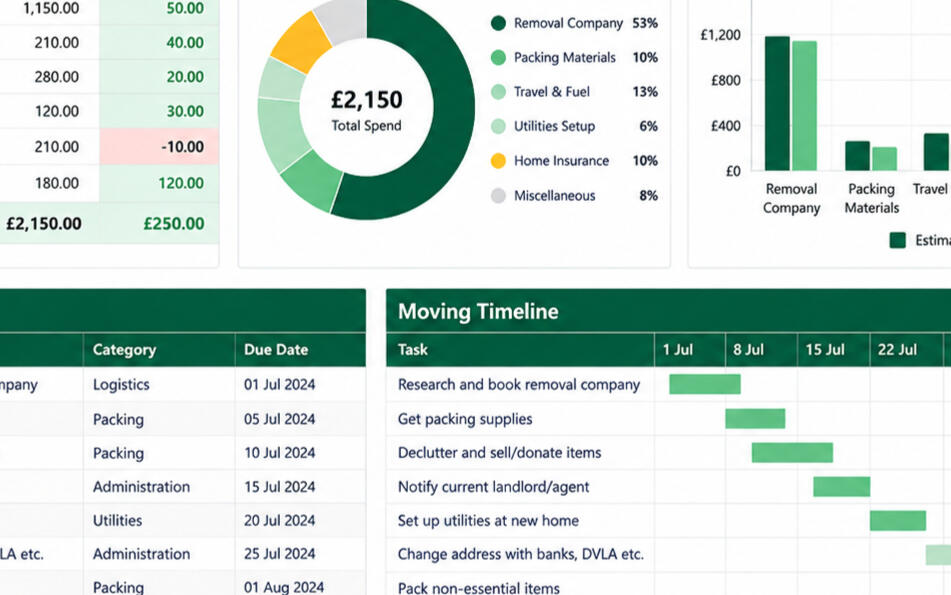
£8.99View templateRelocation Planner
Plan, pack and manage your move in one place.
- Track tasks and key dates
- Plan moving costs and your budget
- Monitor progress from start to finish
- Blank and sample workbooks included
Relocation Planner
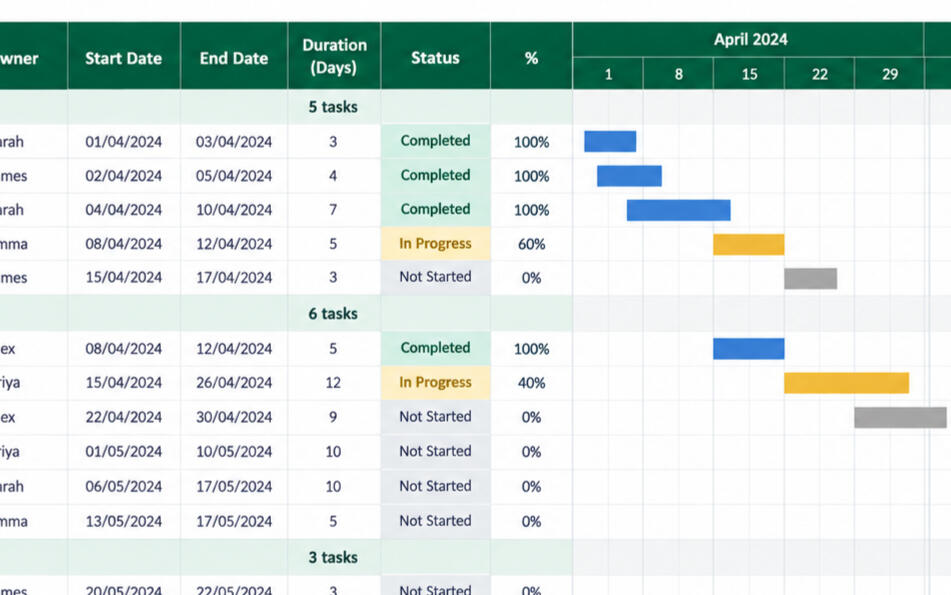
£10.00View templateProject Planner
Plan your projects with ease.
- Track tasks, priorities and deadlines
- Assign owners and responsibilities
- Monitor progress and overdue work
- Blank and sample workbooks included
Project Planner
£10.00View templateSmall Business Templates
Practical spreadsheets for everyday business administration.
Mileage Log
Track your business miles with ease.
- Record journeys and calculate mileage
- Separate business and personal trips
- Keep expense claims and tax records organised
- Blank and sample workbooks included
Mileage Log
£5.99View templateInvoice & Payment Tracker
Track invoices, payments and outstanding balances in one place.
- Record invoices and payments
- See totals and outstanding balances at a glance
- Highlight overdue invoices
- Blank and sample workbooks included
Invoice & Payment Tracker
£5.99View templatePersonal Accounts
Practical spreadsheets for household finances, saving and everyday money management.
Personal Accounts Pack
One connected workbook for your household finances.
- Six linked personal finance tools
- Plan budgets and compare actuals
- Track spending and savings goals
- Blank and example workbook included
Personal Accounts Pack
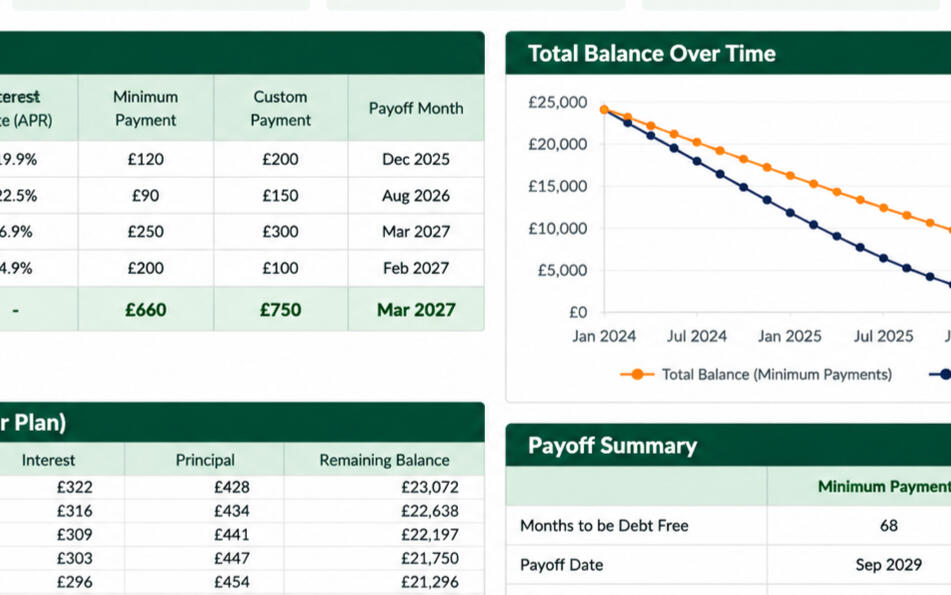
£25.00View templateDebt Payoff Planner
Plan repayments and see your 12-month estimate.
- Track debts and projected balances
- Model planned and extra payments
- Review progress over 12 months
- Blank and sample included
Debt Payoff Planner
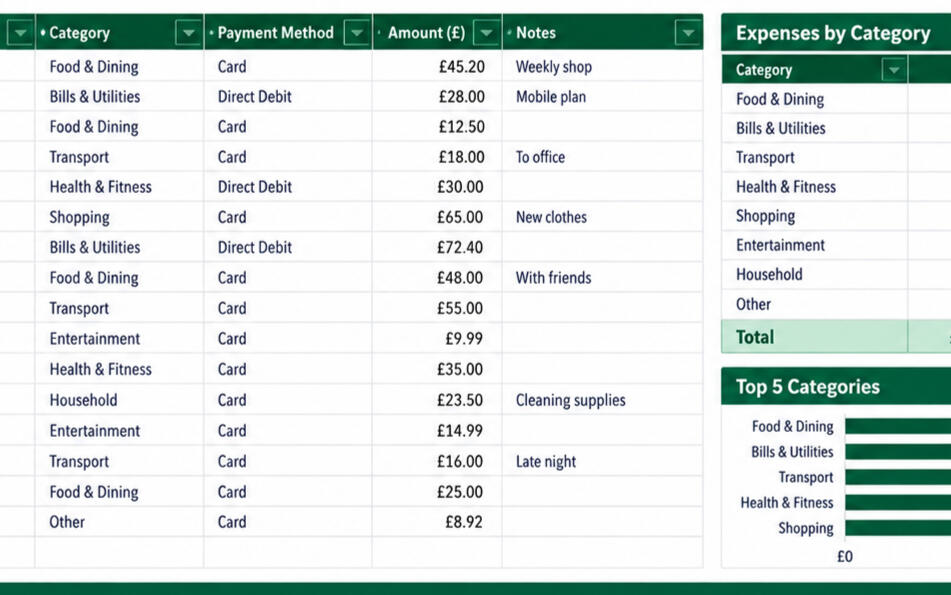
£7.99View templateExpense Tracker
Log spending and review monthly trends.
- Record daily household spending
- Review categories and monthly totals
- Analyse spending trends
- Blank and sample included
Expense Tracker
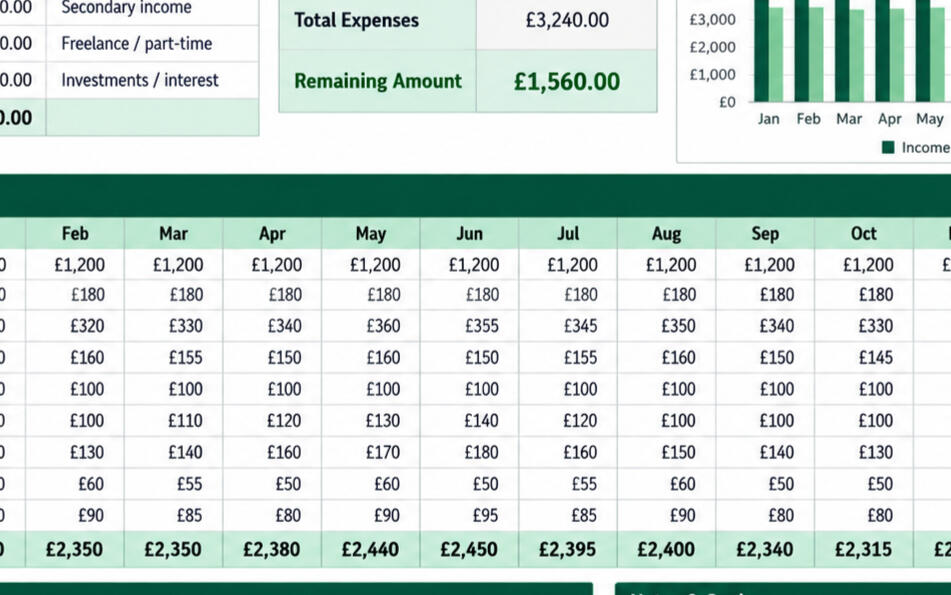
£7.99View templateHome Budget Planner
Plan your household money with clarity.
- Plan income, bills and savings
- Compare budget with actual spending
- Review categories and money left
- Blank and sample included
Home Budget Planner
£10.00View templateHome Inventory List
Record your belongings and their values.
- Record items and estimated values
- Track serial numbers and purchase details
- Keep receipt and photo references
- Blank and sample included
Home Inventory List
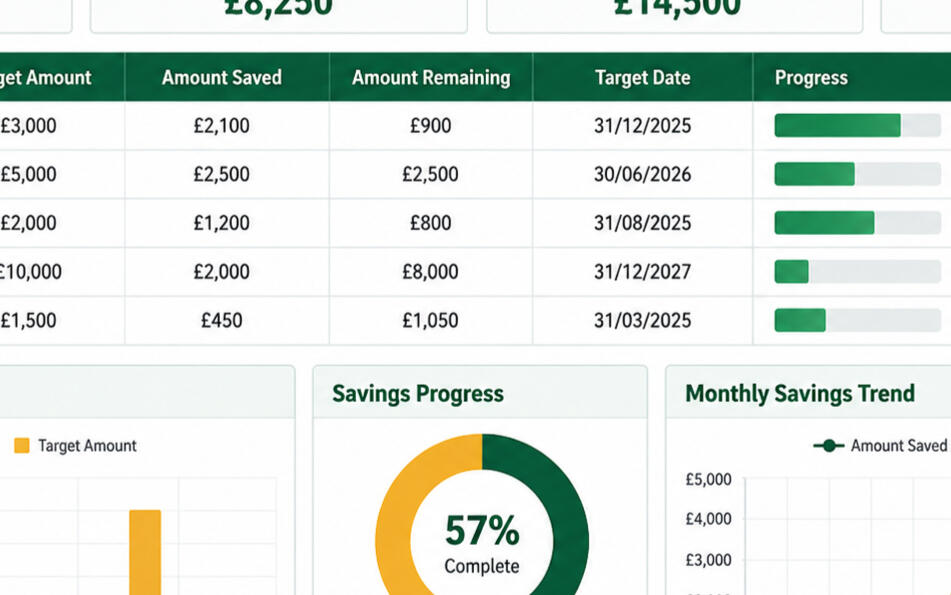
£7.99View templateSavings Goal Tracker
Plan your goals and track your progress.
- Set multiple savings goals
- Record contributions and progress
- See what remains for each goal
- Blank and sample included
Savings Goal Tracker
£7.99View templateSubscription Tracker
See the true cost of recurring services.
- Track services and monthly costs
- Monitor annual cost and renewal dates
- Review, renew or reduce subscriptions
- Blank and sample included
Subscription Tracker
£7.99View template2026–2027 Budget Spreadsheet
A personal finance dashboard for planning, tracking and saving.
- Monthly budgets and annual overview
- Expense tracking and savings goals
- Automatic dashboard calculations
- Blank and sample included
2026–2027 Budget Spreadsheet
£8.99View template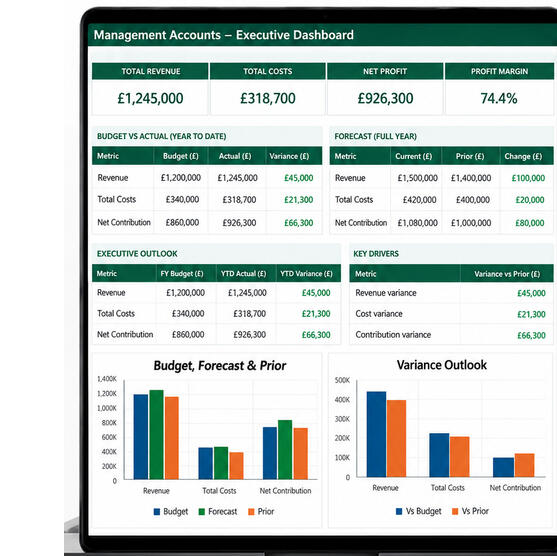




Privacy Policy
Last updated: 22 September 2026
This policy explains how Spreadsheet Mentor collects, uses and protects your personal information when you use our website, services, courses and templates.
Privacy Policy
Last updated: 22 September 2026
This policy explains how Spreadsheet Mentor collects, uses and protects your personal information when you use our website, services, courses and templates.
1. Introduction
Your privacy matters to us. We are committed to being transparent about the information we collect and how we use it.
Spreadsheet Mentor is operated by Tony Nobes, a sole trader and the data controller for the personal information described in this policy.
2. Information we collect
We collect information that you provide to us and limited information that is collected automatically when you use our website.
Information you provide
- Your name, email address and any other contact details you choose to provide.
- Enquiry, quotation, booking and customer-support information.
- Order details and records relating to courses, templates and services.
- Files and information supplied for Spreadsheet Doctor, bespoke spreadsheet creation, training or retainer support. These may contain personal, employee, financial or confidential business information.
Information collected through other services
Payment and order information may be processed by Payhip, Etsy and the payment provider selected at checkout. Spreadsheet Mentor does not receive or store your complete payment-card details.
3. How we use information
We use personal information to:
- Respond to enquiries and prepare quotations.
- Process orders and supply courses, templates and other digital products.
- Arrange and deliver live training through Microsoft Teams.
- Provide Spreadsheet Doctor, bespoke spreadsheet creation and retainer-support services.
- Maintain customer, transaction, accounting and tax records.
- Protect our website, customers and services against misuse, fraud or security threats.
- Meet legal and regulatory obligations and resolve complaints or disputes.
We do not use personal information for automated decision-making or profiling.
4. Lawful basis
We only use your information when we have a valid legal basis to do so.
- Contract: to provide a product or service you have requested and to take steps before entering into a contract.
- Legal obligation: to maintain accounting, tax and other records required by law.
- Legitimate interests: to respond to enquiries, operate and improve our business, protect our systems and establish or defend legal claims.
- Consent: where we specifically ask for your permission. You may withdraw consent at any time.
5. Sharing your information
We do not sell or rent your personal information. We share information only where necessary with service providers that help us operate the business, including Carrd for the website, Microsoft 365 for email, Microsoft Teams for live training, Payhip for storefront, checkout and digital delivery, payment providers used at checkout, and Etsy for purchases made through its marketplace.
We may also disclose information to professional advisers, regulators, law-enforcement bodies or other parties where required by law or reasonably necessary to protect legal rights.
6. Cookies
Our website uses a limited number of cookies and similar technologies needed to operate the site and its services. Carrd, Payhip, Etsy and linked payment services may set their own cookies in accordance with their policies.
We do not currently use analytics, advertising or remarketing cookies. Please see our Cookie Policy for more information and available choices.
7. Data security
We use reasonable technical and organisational measures to protect personal information from loss, misuse, unauthorised access, alteration or disclosure. Access is limited to information needed to provide our products and services.
No method of online transmission or storage is completely secure. If we become aware of a personal-data breach, we will take appropriate steps and make any notifications required by law.
8. Your rights
Depending on the circumstances, UK data-protection law may give you the right to:
- Request access to your personal information.
- Ask us to correct inaccurate or incomplete information.
- Ask us to erase information we no longer need.
- Restrict or object to how we use your information.
- Receive certain information in a portable format.
- Withdraw consent where processing is based on consent.
You also have the right to complain to the Information Commissioner’s Office. We would appreciate the opportunity to address your concerns first.
9. Data retention
We retain personal information only for as long as it is needed for the purpose for which it was collected, including legal, accounting and contractual requirements.
- General enquiries and unsuccessful quotations: normally 12 months after the last communication or expiry of the quotation.
- Customer correspondence, order and service records: normally six years after the relationship or relevant tax year ends.
- Customer spreadsheets and working files: normally deleted within 90 days after the work or retainer support ends, unless earlier deletion is requested or longer retention is agreed.
- Privacy requests and complaints: normally three years after the matter is closed.
We review retained information and delete or anonymise it when it is no longer required.
10. International transfers
Some service providers may process or store personal information outside the United Kingdom. Where this happens, we rely on the provider’s appropriate contractual or legal safeguards designed to protect the information in accordance with UK data-protection law.
11. Children’s privacy
Our products and services are intended for people aged 18 or over. We do not knowingly collect personal information from children. If you believe a child has provided personal information to us, please contact us so that we can take appropriate action.
12. Changes to this policy
We may update this Privacy Policy from time to time to reflect changes to our services, suppliers or legal obligations. The current version and its “Last updated” date will be displayed on this page.
13. Contact us
For questions about this policy, to exercise your data-protection rights or to raise a concern, email [email protected].
Questions about this policy?
If you have any questions about this Privacy Policy, please get in touch.
Contact us →Terms & Conditions
Last updated: 22 September 2026
These Terms & Conditions apply when you purchase a product or service from Spreadsheet Mentor or use this website. By placing an order, booking a service or agreeing to a quotation, you agree to these terms.
Terms & Conditions
Last updated: 22 September 2026
These Terms & Conditions apply when you purchase a product or service from Spreadsheet Mentor or use this website. By placing an order, booking a service or agreeing to a quotation, you agree to these terms.
1. About Spreadsheet Mentor
Spreadsheet Mentor is a UK-based sole trader business providing Excel training, digital courses, spreadsheet templates and tools, spreadsheet support and bespoke spreadsheet services.
You can contact Spreadsheet Mentor through the contact form on this website or by email at [email protected].
These terms are governed by the laws of England and Wales.
2. Products and Services
Spreadsheet Mentor may provide:
- Downloadable Excel courses and learning materials
- Excel templates, tools and template bundles
- Spreadsheet Doctor services
- Bespoke Spreadsheet Creation
- 1-to-1 Excel Help
- Team Training
- Retainer Support
- Other Excel-related products and services described on the website
The exact scope, price and delivery arrangements will depend on the product or service purchased.
Spreadsheet Mentor is not currently VAT registered, so VAT is not charged.
3. Digital Products, Courses and Downloads
Digital products are supplied for the purchaser’s own permitted use.
Unless expressly stated otherwise, purchasing a digital product gives you a personal, non-transferable licence to use it. Copyright and intellectual-property rights are not transferred to you.
You must not:
- Resell or redistribute the files
- Share purchased files with people who are not covered by the licence
- Upload the files to file-sharing or template-sharing websites
- Sell modified versions of Spreadsheet Mentor products as your own
- Remove Spreadsheet Mentor copyright or ownership notices where present
Where a product is supplied as a download, you are responsible for downloading and retaining your own copy. Spreadsheet Mentor does not guarantee that previously purchased files will remain available for re-download indefinitely.
4. Template Licences
Templates sold for personal use are licensed to the individual purchaser.
Business templates and bundles may be used within the purchasing organisation for its own internal purposes, subject to any licence terms shown on the relevant product page.
Templates may not be resold, redistributed or made available to other organisations.
5. Refunds and Digital Products
Spreadsheet Mentor offers the money-back guarantee stated on the relevant product page, including the 30-day money-back guarantee where advertised.
Any additional refund rights available to you under UK consumer law are unaffected.
Further details are provided in the Refund & Cancellation Policy.
6. Spreadsheet Doctor
Spreadsheet Doctor is intended for reviewing, repairing, improving or troubleshooting existing spreadsheets.
The scope of the work and price will be agreed before work begins.
Payment is normally required before work starts unless otherwise agreed.
Requests that materially change the agreed scope may require a revised quotation.
7. Bespoke Spreadsheet Creation
Bespoke Spreadsheet Creation starts from £150, with the final price based on the agreed requirements.
The process normally includes:
- Requirements discussion
- Agreed scope and fixed quotation
- Spreadsheet development
- One round of reasonable revisions
- Handover and explanation
- Optional Microsoft Teams walkthrough where agreed
Significant changes to the original brief may be quoted separately.
Timescales and any required delivery date will be agreed as part of the quotation process.
Payment terms will be confirmed with your quotation.
Once full payment has been received, the customer may use and edit the completed bespoke spreadsheet for its intended purpose.
Spreadsheet Mentor retains ownership of its pre-existing templates, methods, know-how, processes and reusable components.
Refund & Cancellation Policy
Last updated: 22 September 2026
This Refund & Cancellation Policy explains how refunds, cancellations and rescheduling are handled for Spreadsheet Mentor products and services.
Refund & Cancellation Policy
Last updated: 22 September 2026
This Refund & Cancellation Policy explains how refunds, cancellations and rescheduling are handled for Spreadsheet Mentor products and services.
This policy should be read alongside the Spreadsheet Mentor Terms & Conditions.
1. Digital Products, Courses and Templates
Where a product page advertises a 30-day money-back guarantee, you may request a refund within 30 days of purchase.
This may apply to products such as:
- Excel courses
- Downloadable templates
- Template bundles
- Other digital products where the guarantee is shown on the relevant product page
To request a refund, contact Spreadsheet Mentor at:
Please include your name, the product purchased and the date of purchase.
Any statutory consumer rights available to you under UK law are unaffected.
Where a product page does not advertise a 30-day money-back guarantee, any refund will be considered in accordance with the Terms & Conditions and applicable consumer law.
2. Downloaded Files
Customers are responsible for downloading and retaining their own copies of purchased files.
A refund does not give permission to continue using, sharing, redistributing or reselling refunded digital products.
Where a refund is issued, the licence to use the refunded product ends.
3. Spreadsheet Doctor
Spreadsheet Doctor work is quoted and agreed before work begins.
If you cancel before work has started, any payment made may be refunded, subject to any non-refundable costs that were clearly agreed in advance.
If work has already started, Spreadsheet Mentor may retain an amount that reasonably reflects the work already completed.
If the requirements change significantly after work begins, a revised quotation may be required.
4. Bespoke Spreadsheet Creation
Bespoke Spreadsheet Creation is custom work carried out to an agreed brief.
If you cancel before work has started, any payment made may be refunded, subject to any costs already incurred and agreed.
If work has already started, Spreadsheet Mentor may retain an amount that reasonably reflects the work completed up to the point of cancellation.
Where a deposit has been paid, the refund position will depend on how much work has already been completed.
One round of reasonable revisions is included within the agreed project scope.
Significant changes to the original brief may be quoted separately and are not treated as revisions to the original scope.
5. 1-to-1 Excel Help
1-to-1 Excel Help sessions may be rescheduled without charge with at least 24 hours’ notice.
One late cancellation or late rescheduling request may be rearranged without charge as a goodwill allowance.
Further late cancellations or missed sessions may be charged.
Three-session packages must be used within three months of the first session.
If Spreadsheet Mentor needs to cancel or rearrange a session, an alternative time will be offered. If a suitable alternative cannot be agreed, the affected session will be refunded.
6. Team Training
Cancellation and rescheduling arrangements for Team Training will be confirmed as part of the quotation or booking.
This is because arrangements may differ depending on:
- Session length
- Group size
- Online or in-person delivery
- Travel arrangements
- Bespoke preparation requirements
Where Spreadsheet Mentor has already incurred agreed travel, venue or preparation costs, these may be non-refundable.
Any applicable cancellation terms will be made clear before the booking is confirmed.
Cookie Policy
Last updated: 22 September 2026
This Cookie Policy explains how Spreadsheet Mentor uses cookies and similar technologies when you visit this website.
Cookie Policy
Last updated: 22 September 2026
This Cookie Policy explains how Spreadsheet Mentor uses cookies and similar technologies when you visit this website.
It should be read alongside the Spreadsheet Mentor Privacy Policy and Terms & Conditions.
1. What are cookies?
Cookies are small text files that websites can place on your device when you visit them.
They can be used to make websites function correctly, remember preferences, provide security, process payments and understand how website services are being used.
Some cookies are necessary for a website or service to work. Others, such as analytics or advertising cookies, are optional and may require your consent.
2. How Spreadsheet Mentor uses cookies
Spreadsheet Mentor aims to keep the use of cookies and tracking technologies to a minimum.
At launch, the website does not intentionally use cookies for:
- Google Analytics
- Meta/Facebook Pixel
- Google Ads conversion tracking
- Remarketing or behavioural advertising
- Newsletter tracking
If these or similar services are introduced in the future, this Cookie Policy and the website’s cookie controls will be updated as appropriate.
3. Essential cookies
Some cookies or similar technologies may be necessary for the website and its services to function correctly.
These may be used for purposes such as:
- Website security
- Form functionality
- Payment processing
- Fraud prevention
- Remembering essential preferences
- Maintaining the operation of third-party services requested by you
Where cookies are strictly necessary to provide a service you have requested, they may not require consent.
4. Carrd
The Spreadsheet Mentor website is built and hosted using Carrd.
Carrd or services used through Carrd may use cookies or similar technologies where necessary to operate the website, provide forms, maintain security or deliver other website functionality.
Spreadsheet Mentor uses Carrd forms for contact and enquiry submissions.
Carrd’s own privacy and cookie practices are governed by its policies.
5. Payhip and payments
Spreadsheet Mentor uses Payhip for eligible online purchases. When you follow a purchase link to Payhip, you leave the Spreadsheet Mentor website.
Payhip and the payment provider selected at checkout may use cookies and similar technologies for purposes including:
- Processing payments
- Fraud detection and prevention
- Authentication
- Security
- Providing checkout functionality
Payment information is handled by the selected payment provider rather than stored directly by Spreadsheet Mentor.
Payhip’s and the payment provider’s own privacy and cookie policies apply when you use their services.
6. Etsy
Some Spreadsheet Mentor products may also be available through Etsy.
If you follow a link from Spreadsheet Mentor to Etsy, you leave the Spreadsheet Mentor website and Etsy’s own cookie and privacy policies apply.
Spreadsheet Mentor does not control cookies placed by Etsy on Etsy’s website.
7. Microsoft Teams
Microsoft Teams may be used to deliver services such as:
- 1-to-1 Excel Help
- Team Training
- Bespoke spreadsheet discussions or walkthroughs
- Retainer Support discussions
Microsoft Teams is not currently embedded directly into the Spreadsheet Mentor website.
If you follow a link to or use Microsoft Teams, Microsoft’s own privacy and cookie practices apply.
7. Retainer Support
Retainer Support is available in 3, 6 or 12 month plans at £195 per month. Payhip collects monthly payments automatically for the selected duration.
If you need to change or end a plan, contact Spreadsheet Mentor. Monthly payments otherwise continue for the selected duration.
Cancellation does not normally create an automatic refund for the current monthly period once support has already been available or used.
Unused hours may roll forward for one additional month only, in accordance with the Terms & Conditions.
If Spreadsheet Mentor is unable to provide the agreed retainer service, an appropriate refund or credit may be offered for affected support.
8. Refund Processing
Approved refunds will normally be returned using the original payment method where possible.
The time taken for a refund to appear will depend on the payment provider or bank.
Spreadsheet Mentor is not responsible for delays caused by banks, card providers or third-party payment platforms after a refund has been processed.
9. Purchases Through Third-Party Platforms
Some Spreadsheet Mentor products and services are sold through Payhip, Etsy or other third-party platforms.
Where a third-party platform processes the payment, refunds may also be subject to that platform’s procedures and systems.
Spreadsheet Mentor will still apply the refund or cancellation commitment stated on the relevant product page where applicable.
10. Problems With a Product or Service
If you believe a product is faulty, corrupted, materially different from its description or otherwise not working as expected, please contact Spreadsheet Mentor as soon as possible.
Spreadsheet Mentor will normally try to resolve the issue before considering whether a refund, replacement or other remedy is appropriate.
Your statutory rights are unaffected.
11. How to Request a Refund or Cancellation
Contact:
Please include:
- Your name
- Product or service purchased
- Date of purchase
- Order or transaction reference where available
- Brief reason for the refund, cancellation or rescheduling request
Spreadsheet Mentor aims to respond within one working day.
12. Changes to This Policy
This Refund & Cancellation Policy may be updated from time to time.
The current version and Last updated date will be displayed on the website.
Changes will not retrospectively alter the terms applying to a purchase or service already agreed unless required by law or agreed with the customer.
⌃ Back to top
8. Analytics cookies
Spreadsheet Mentor does not currently use Google Analytics or another dedicated website analytics service.
This means the website does not intentionally place optional analytics cookies for the purpose of tracking visitor behaviour through such a service.
Analytics may be introduced in the future. If this happens, the Cookie Policy and consent arrangements will be reviewed and updated before optional analytics cookies are used where consent is required.
9. Advertising and marketing cookies
Spreadsheet Mentor does not currently use Meta Pixel, Google Ads conversion tracking, remarketing cookies or similar advertising trackers on the website.
If advertising or remarketing technologies are introduced later, appropriate information and consent controls will be added where required.
10. Cookie consent and choices
Where the website uses non-essential cookies that require consent, visitors will be given appropriate choices.
These may include options to:
- Accept non-essential cookies
- Reject non-essential cookies
- Manage cookie preferences
Rejecting non-essential cookies should not prevent you from accessing the main content of the Spreadsheet Mentor website.
Strictly necessary cookies may continue to operate where they are required to provide website functionality or a service you request.
11. Managing cookies through your browser
Most web browsers allow you to view, delete or block cookies through their settings.
You can usually choose to:
- Delete existing cookies
- Block all cookies
- Block third-party cookies
- Allow cookies from selected websites
- Receive warnings before cookies are stored
Blocking some essential cookies may affect the operation of websites or third-party services.
12. Third-party services
Third-party services used by or linked from Spreadsheet Mentor may set their own cookies or use similar technologies.
Spreadsheet Mentor does not control cookies placed directly by third-party websites after you leave the Spreadsheet Mentor website.
You should refer to the relevant provider’s privacy and cookie information for details about its practices.
13. Changes to this Cookie Policy
This Cookie Policy may be updated to:
- Reflect changes to the website
- Add new services or products
- Reflect analytics or advertising tools that are added
- Clarify existing wording
- Meet legal or regulatory requirements
The current version and Last updated date will be displayed on the website.
14. Contact
If you have questions about this Cookie Policy or the use of cookies on the Spreadsheet Mentor website, contact:
You can also use the contact form on the Spreadsheet Mentor website.
⌃ Back to top
8. 1-to-1 Excel Help
1-to-1 Excel Help is currently priced at:
£45 for a one-hour session
or
£120 for three one-hour sessions
Sessions are normally delivered through Microsoft Teams. In-person sessions may be available by arrangement and may involve additional travel costs.
Three-session packages must be used within three months of the first session.
Customers may bring their own spreadsheets or Excel problems to work through during a session. Where the customer wants Spreadsheet Mentor to perform the work rather than teach or demonstrate it, Spreadsheet Doctor or Bespoke Spreadsheet Creation may be more appropriate.
Relevant notes, examples or practice materials may be supplied where useful.
Rescheduling and cancellations
Sessions may be rescheduled without charge with at least 24 hours’ notice.
One late cancellation or rescheduling request may be rearranged without charge as a goodwill allowance.
Further late cancellations or missed sessions may be charged.
9. Team Training
Team Training may be delivered online through Microsoft Teams or in person by arrangement.
Standard online pricing is:
1 hour — £95
Half day (3.5 hours) — £275
Full day (7 hours) — £495
Published prices are based on groups of up to six participants.
Larger groups, bespoke programmes and in-person delivery will be quoted separately. Travel expenses may apply to in-person training and will be agreed before booking.
Training content and materials will be agreed according to the organisation’s requirements.
Ongoing post-training Excel support is not included unless separately agreed. Retainer Support is available for organisations requiring continued assistance.
Payment arrangements will be confirmed with the quotation or booking.
Cancellation and rescheduling
Cancellation or rescheduling requests must be made by email.
The cancellation, refund and rescheduling arrangements for each Team Training booking will be confirmed in the quotation or booking details before the booking is accepted. These may vary according to the session length, group size, delivery method, travel and bespoke preparation.
Any travel, venue or preparation costs that may be non-refundable will be identified before booking.
The customer may substitute participants without charge, provided Spreadsheet Mentor is informed before the session.
If Spreadsheet Mentor has to cancel a session, the customer may choose either a replacement date or a full refund of any training fees paid. Spreadsheet Mentor will not be responsible for other costs incurred by the customer, except where liability cannot legally be excluded.
10. Retainer Support
Standard Retainer Support provides three flexible support hours each month at £195 per month. Choose a 3, 6 or 12 month plan. Payhip collects monthly payments automatically for the selected duration.
Support may include work on existing spreadsheets, fixes, improvements, formulas, reporting, troubleshooting, small enhancements and scheduled Microsoft Teams support where appropriate.
Routine emails relating to support requests do not normally use the monthly allowance.
Unused hours may roll forward for one additional month only. They do not accumulate indefinitely.
Spreadsheet Mentor aims to respond to support requests within one working day. Completion times depend on the complexity of the request.
Larger spreadsheet builds, substantial projects and formal training are not included and may be quoted separately.
Larger or tailored monthly support packages are available by quotation.
Monthly retainer fees are payable in advance.
11. Quotations and Scope
Quotations are based on the information supplied by the customer.
If requirements change significantly after a quotation has been accepted, Spreadsheet Mentor may:
- Agree a revised scope
- Provide an additional quotation
- Extend the agreed timescale where reasonably necessary
No additional charge will be made without agreement.
12. Customer Responsibilities
Customers are responsible for:
- Providing accurate information about their requirements
- Supplying necessary files and information in a timely manner
- Keeping their own backup copies of important files and data
- Checking completed spreadsheets before relying on them for important financial or business decisions
- Ensuring that they have authority to provide any data or files supplied to Spreadsheet Mentor
Customers should retain an original backup before providing a spreadsheet for modification.
13. Confidentiality
Customer spreadsheets, documents and business information will be treated confidentially and will not be shared unnecessarily with third parties.
Personal information is handled in accordance with the Spreadsheet Mentor Privacy Policy.
Where third-party services are required to deliver a service, information will only be shared where reasonably necessary.
14. Third-Party Services
Spreadsheet Mentor may use third-party services for payment processing, downloads, communication, video calls, website hosting or other business functions.
These providers may have their own terms and privacy policies.
Spreadsheet Mentor is not responsible for temporary outages, technical failures or service interruptions caused by third-party providers that are outside its reasonable control.
15. Spreadsheet Accuracy and Customer Decisions
Spreadsheet Mentor takes reasonable care when creating, reviewing and providing spreadsheets and training.
However, customers remain responsible for reviewing their data and determining whether a spreadsheet is appropriate for their particular circumstances.
Spreadsheet Mentor does not provide regulated financial, investment, tax or legal advice.
Spreadsheet outputs should not be treated as a substitute for appropriate professional advice where this is required.
16. Limitation of Liability
Nothing in these terms excludes or limits liability where doing so would be unlawful.
Subject to that, Spreadsheet Mentor will not be responsible for indirect or consequential losses, loss of profit, loss of business, loss arising from customer decisions based on spreadsheet outputs, or losses caused by inaccurate or incomplete information supplied by the customer.
These terms do not affect any statutory rights that cannot legally be excluded.
17. Intellectual Property
Unless expressly agreed otherwise, Spreadsheet Mentor retains copyright and intellectual-property rights in its:
- Courses
- Training materials
- Templates
- Guides
- Website content
- Methods and processes
- Pre-existing spreadsheet components
- Branding and other original materials
Purchasing a product or service does not transfer these rights except for the specific usage rights expressly granted.
18. Customers Under 18
Customers must be 18 or over to purchase directly from Spreadsheet Mentor.
Where a learner is under 18, a parent or legal guardian must make the purchase on their behalf and accept these Terms & Conditions.
19. Events Outside Reasonable Control
Spreadsheet Mentor will not be responsible for delays or failure to provide a service where this results from circumstances reasonably outside its control.
Where possible, affected customers will be contacted and alternative arrangements made.
20. Changes to These Terms
These Terms & Conditions may be updated from time to time.
The current version and Last updated date will be displayed on the website.
Changes will not retrospectively alter the terms applying to a purchase or service already agreed unless required by law or agreed with the customer.
21. Governing Law
These Terms & Conditions are governed by the laws of England and Wales.
Consumers retain any mandatory legal rights that apply to them.
22. Contact
Questions about these Terms & Conditions can be submitted through the Spreadsheet Mentor contact form or by email at [email protected].
Have a question?
If you need clarification about these Terms & Conditions, please get in touch.
Contact us →Thank you
Your enquiry has been received
I appreciate you getting in touch and will review your message as soon as possible.
I’ll get back to you within 1–2 working days.
Thanks again for getting in touch.
What happens next?
1
I’ll review your enquiry
I’ll read through your message and any details you’ve sent.
2
I may get in touch
If I need more details, I’ll email you or suggest a quick call.
3
I’ll discuss your options with you
I’ll talk through your needs and explain how I can help.
4
I’ll confirm what happens next
I’ll confirm the agreed plan and timescales.
In the meantime...
Feel free to explore more about what I do:
Have another question?
You can always get in touch via the contact form.



Let’s talk about
what you need.
Whether you need help with a spreadsheet, want to improve your Excel skills or have a question about a course or template, send me a message and I’ll point you in the right direction.
Practical adviceNo obligationClear next steps
Send me an enquiry
Not sure what you need?
That’s absolutely fine. Tell me what you’re trying to achieve and I’ll suggest the most appropriate option.
What happens next?
Send your enquiry
Tell me what you need using the form above.
I’ll review it
I’ll read your message and any files.
I’ll come back to you
You’ll hear from me within 1–2 working days.
Practical help. Real solutions. Better results.I usually reply within 1–2 working days.
ABOUT ME
More than 25 years of
real-world finance experience.
Practical Excel knowledge
that makes a difference.
Experience you can rely on.
I'm Tony Nobes. I built Spreadsheet Mentor around practical experience using Excel every day to produce clear, useful information and support better decisions.
More than 25 years of using Excel in the real world to solve problems, build clarity and support better decisions.
25+ years
Finance & business experience
Excel expert
Models, dashboards &
reporting
Real-world trainer
I explain things clearly
Oxford & MRC
Extensive professional
experience
My approach
I keep things practical, clear and focused on what you actually need to do.
Practical, not academic
›
Real-world methods you can use straight away.
Explain things clearly
›
I break things down in a simple, easy-to-follow way.
No unnecessary jargon
›
Plain English explanations that make sense.
Build confidence
›
Step-by-step guidance that helps you improve.
Focus on real work tasks
›
Practical skills for the things you actually need to do.
Reusable techniques
›
Methods and shortcuts you can use again and again.
Who I help
Individuals
Build your Excel skills and confidence for work and day-to-day tasks.
Students & Learners
Learn Excel in a way that builds your practical skills and future career.
Teams & Businesses
Improve performance with practical training and reliable spreadsheet solutions.
Experience & credibility
Experience & credibility
- More than 25 years in finance, accounting and business operations
- Extensive experience at the University of Oxford and Medical Research Council
- Expert Excel user – models, dashboards, analysis and reporting
- Designed budgets, forecasts, dashboards and automated reporting tools
- Proven record of improving processes and strengthening controls
- Regular trainer – finance systems, Excel and best practice
Let me help you get more from Excel.
Practical help. Real solutions. Better results.






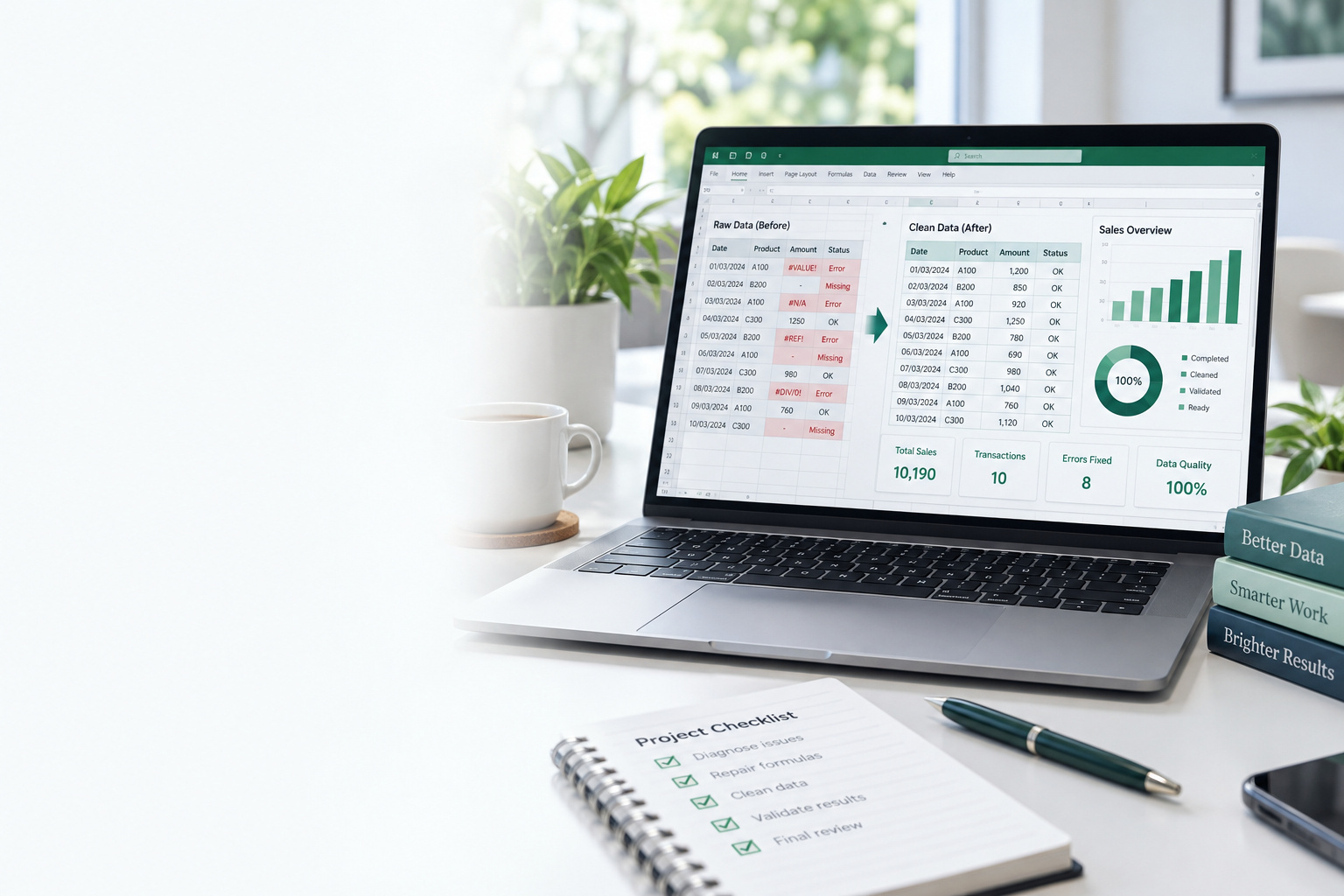
SPREADSHEET DOCTOR
Fix and improve your existing Excel spreadsheet.
If your spreadsheet has errors, needs a clearer layout or could work harder for you, I’ll help you fix and improve it so you can work with confidence.
Your data is safe with me. Uploaded files are treated in confidence and never shared with anyone else.
Read the Privacy Policy →
Read the Privacy Policy →
Fix or improve an
existing spreadsheet
Upload your Excel file and explain the issue. I’ll fix errors, improve layouts and make your spreadsheet easier to use.
- ✓Fix formulas and broken links
- ✓Improve layout and presentation
- ✓Automate repetitive tasks
- ✓Add reporting and dashboards
- ✓General troubleshooting and improvements
Need a brand-new
spreadsheet?
Explore Bespoke Spreadsheet Creation for an Excel solution designed around the way you work.
- ✓Custom spreadsheets to match your needs
- ✓Calculations, logic and validations
- ✓Reports, summaries and dashboards
- ✓Simple, clear and easy to use
- ✓Designed to save time and reduce errors
What I can help with
Formulas &
calculations
Fix formulas and make calculations work properly.
Errors &
troubleshooting
Resolve broken links, errors and unexpected results.
Layout &
presentation
Make spreadsheets clearer, tidier and more professional.
Automation &
efficiency
Reduce repetitive work and simplify routine tasks.
Reports &
dashboards
Create clearer summaries and useful visual reporting.
Data clean-up &
validation
Tidy inconsistent data and add checks that help prevent mistakes.
How it works
1
Enquire
Tell me what you need and upload your file if relevant.
2
Review & quote
I’ll review it and provide a fixed-price quote.
3
Agree & start
Confirm the scope, price and timescale.
4
Work completed
I’ll fix or improve your spreadsheet.
5
Test & check
I’ll check the result works as agreed before delivery.
6
Delivered & explained
You receive the finished file and an explanation.
Clear pricing, no surprises
I’ll review your requirements and provide a fixed-price quote before any work begins.
Fixes & improvements
from£75
Bespoke spreadsheet buildsfrom£75
from£150
Prices are indicative and may vary depending on the size and complexity of the work.
Confidential & secureYour files and information are handled with complete confidentiality.
Practical & easy to useSolutions designed for real workplaces – simple, clear and easy to use.
Teams handover availableOptional Teams call to walk through your new or improved spreadsheet.
BESPOKE SPREADSHEET CREATION
Custom Excel spreadsheets built around your needs
Practical, reliable and easy-to-use spreadsheets designed to solve your specific challenges and save you time.
Already have a spreadsheet that needs fixing or improving? Visit Spreadsheet Doctor →
Designed around your requirements
Built by an experienced finance professional
Save time and work more efficiently
Practical, user-friendly design
Clear, fixed pricing with no hidden costs
What’s included?
- ✓A spreadsheet designed around your specific needs
- ✓Formulas, automation and data handling
- ✓Clear and logical structure
- ✓User-friendly design with clear instructions
- ✓One round of reasonable revisions included
- ✓Handover and explanation of how it works
- ✓Optional Teams walkthrough (if helpful)
XBespoke spreadsheet creation
From £150
Fixed quote after discussion
- ✓Tailored to your exact requirements
- ✓Built in Microsoft Excel (Windows or Mac)
- ✓One round of reasonable revisions included
- ✓Handover and explanation included
- ✓Optional Teams walkthrough (if helpful)
- ✓Clear timelines and delivery date agreed upfront
- ✓Larger or more complex projects quoted separately
- ✓Payment terms confirmed with your quote
Built on 25+ years of real-world finance experiencePractical solutions from someone who understands the challenges of working with spreadsheets in the real world.
How it works
Get in touch
Tell me about your requirements, including your objectives, data and any examples you have.
Receive a fixed quote
I’ll review your requirements and provide a clear, fixed quote with an estimated timescale.
Development and review
I’ll build your spreadsheet and share it for your feedback. One round of reasonable revisions is included.
Delivery and handover
You’ll receive the completed spreadsheet along with instructions, and an optional Teams walkthrough.
Frequently asked questions
What types of spreadsheets can you create?
I can create a wide range of spreadsheets, including calculators, trackers, reporting tools, dashboards and automated templates. If you’re not sure whether your idea is possible, just get in touch and we can discuss it.
How much does it cost?
Projects start from £150. After discussing your requirements, I’ll provide a clear, fixed quote based on the scope and complexity.
How long will it take?
Timescales depend on the complexity of the project. I’ll confirm an estimated delivery date when I provide your quote, and you can let me know if you have a specific deadline.
What software do you use?
All spreadsheets are built in Microsoft Excel (compatible with Windows or Mac).
Can you work with my existing spreadsheet?
Yes. I can review and improve existing spreadsheets, fix issues or add new features.
Will the spreadsheet be easy to use?
Yes. All spreadsheets are designed to be user-friendly, with a clear layout and instructions so you can use and maintain them with confidence.
Do you offer revisions?
Yes. One round of reasonable revisions is included in the quoted price. Additional revisions can be discussed if needed.
Will I receive instructions?
Yes. You’ll receive clear instructions with your completed spreadsheet, and I can also provide an optional Teams walkthrough to explain how it works.
Is ongoing support included?
No. Ongoing support is not included, but if you’d like continued help after your spreadsheet is delivered, you can use the Retainer Support service.
Can you create templates for repeated use?
Yes. I can create templates that you can reuse with your own data, saving you time and ensuring consistency.
What information do you need to get started?
A brief overview of what you need, any data or examples you have, and your objectives. The more detail you can provide, the clearer and faster I can give you a quote.
How do I make payment?
Payment terms will be confirmed with your quote. This may include an upfront payment, depending on the size and complexity of the project.
Have a project in mind?Get in touch to discuss your requirements and receive a fixed quote.
TEAM TRAINING
Practical Excel training for teams and organisations
Build your team’s confidence, capability and productivity with tailored, hands-on Excel training.
Tailored to
your team
your team
Practical,
real-world skills
real-world skills
Engaging
and interactive
and interactive
Online or
in person
in person
Increased
productivity
productivity
More efficient
processes
processes
Greater confidence
with data
with data
Practical skills
your team can use
your team can use
Training that fits
your organisation
your organisation
What’s included?
- ✓Bespoke training content based on your team’s needs
- ✓Delivered online via Microsoft Teams or in person at your workplace
- ✓Practical, hands-on sessions with real examples
- ✓Exercises and scenarios relevant to your work
- ✓Tips, shortcuts and best practices
- ✓Time for questions and discussion
- ✓Supporting materials provided where appropriate (e.g. example files or quick reference guides)
Explore the Team Training brochureTopics, delivery options and pricing in a free three-page PDF.Get free brochure (PDF) ↗
Team training pricing
£95
1-hour session
(online)
- ✓Up to 6 people
- ✓Interactive and practical
- ✓Tailored to your needs
£275
Half-day session
(3.5 hours)
- ✓Up to 6 people
- ✓Interactive and practical
- ✓Tailored to your needs
£495
Full-day session
(7 hours)
- ✓Up to 6 people
- ✓Interactive and practical
- ✓Tailored to your needs
Prices shown are for standard sessions for up to 6 people. Contact me to confirm availability and requirements before booking.
Larger groups or ongoing training?If you have more than 6 people, or would like a tailored programme, please get in touch for a quote.
Built on 25+ years of real-world finance experiencePractical training from someone who understands the challenges of working with spreadsheets in the real world.
How it works
Get in touch
Tell me about your team and what you’d like to achieve.
Discuss and plan
I’ll discuss your needs with you and create a training plan tailored to your team.
Deliver the training
Engaging, hands-on sessions (online or in person).
Put your skills to use
Your team applies what they’ve learned and works more confidently with Excel.
Frequently asked questions
Still have questions? Send a business enquiry →Who is team training suitable for?
Team training is suitable for all levels, from complete beginners to advanced users. Sessions are tailored to your team’s current skills and what you want to achieve, whether that’s building core skills, improving efficiency or working on more advanced topics.
How many people can attend a session?
Sessions are priced for up to 6 people. If you have a larger group, please get in touch and I can provide a tailored quote. Any group size can be accommodated, depending on the venue and content.
Can the training be tailored to our specific needs?
Yes. All training is tailored to your team’s needs, using real-world examples relevant to your work. I’ll discuss your objectives with you in advance to make sure the session covers the right topics and delivers practical value for your team.
Do you provide training materials?
Yes. All sessions include supporting materials such as a quick reference guide and practice files where appropriate. These are yours to keep and use after the training.
Do you offer online and in-person training?
Yes. I offer both online training via Microsoft Teams and in-person training at your workplace (location dependent). Online training works well for remote and hybrid teams, while in-person training is ideal if you prefer face-to-face sessions.
What do we need for online sessions?
All you need is a computer with Microsoft Teams, a stable internet connection and Excel installed (any recent version). I’ll send a joining link and any preparation details before the session.
How do we book and what are the payment terms?
Start by getting in touch via the contact form or the ‘Discuss your team’s needs’ button. We’ll agree the content, date and any specific requirements. Payment is typically required in advance, and I’ll confirm the details when we book.
Do you offer ongoing support after the training?
Yes. If you’d like additional support after the training, I offer a separate Retainer Support service. This can include answering questions, reviewing your spreadsheets or providing further guidance on specific topics. Please get in touch to discuss the options.
Ready to invest in your team’s potential?Get in touch to discuss your training needs and receive a tailored proposal.
1-TO-1 EXCEL HELP
Personalised Excel support when you need it
One-to-one online or in-person sessions to help you build your skills, solve problems and feel more confident using Excel.
Suitable for all skill levels
Students, employees and individuals
Practical, real-world examples
Learn at your pace
Friendly, patient and supportive
Who is this for?
- ✓Complete beginners
- ✓Students and learners
- ✓People returning to Excel
- ✓Employees who want to improve their skills
- ✓Anyone who wants practical, one-to-one help
Bring your own spreadsheet
Have a file or Excel problem you’d like to work through? Bring it to your session and I’ll guide you step by step.
Prefer me to fix it for you? See Spreadsheet Doctor →
1-to-1 Excel Help
Online via Microsoft Teams; in person by arrangement.
- ✓Tailored to your needs and goals
- ✓Work on your own spreadsheets or use practice files
- ✓Clear, step-by-step explanations
- ✓Relevant notes and examples provided (where helpful)
- ✓3 months to use your 3-session package
- ✓Free short initial discussion (where needed)
- ✓24-hour rescheduling policy
(one free late cancellation/reschedule before further charges may apply)
Built on 25+ years of real-world finance experiencePractical, jargon-free training and support from someone who understands the challenges of working with Excel in the real world.
How it works
Get in touch
Tell me what you’d like help with and I’ll arrange a convenient time with you.
Book your session(s)
Choose a single session (£45) or a 3-session package (£120). Sessions are usually via Teams, with in-person available by arrangement.
Join your session
We’ll work through your topics step by step, using your files or example exercises.
Put your skills into practice
You’ll receive relevant notes and examples, and you can book further sessions whenever you need additional help.
Frequently asked questions
Do I need any previous experience?
No. The sessions are suitable for complete beginners as well as those with some experience who want to improve their skills.
How much does it cost?
A single session is £45 per hour, or you can book 3 × 1-hour sessions for £120. Choose your session on Payhip to book and pay securely.
How do the 3-session packages work?
The 3 sessions can be used over a 3-month period from your first session, giving you time to learn, practise and come back with new questions.
What will we cover in the sessions?
That’s up to you. We can work through your own spreadsheets or I can provide tailored examples and practice files. Common topics include formulas, data analysis, reporting, dashboards and general Excel skills.
Can I bring my own spreadsheet?
Yes. You’re welcome to bring your own file or problem and we can work through it together.
Do you provide notes or practice files?
Yes. I can provide relevant notes, examples and practice files where helpful, so you can follow along and refer back to them after the session.
Do the sessions take place online or in person?
Most sessions are via Microsoft Teams. In-person sessions are available by arrangement, depending on location.
Can I reschedule a session?
Yes. Please give at least 24 hours’ notice to reschedule. You get one free late cancellation or reschedule; further late cancellations may be charged.
How do I book a session?
Use ‘Book a session’ to choose and pay for a session on Payhip. Use ‘Send an enquiry’ if you have a question or need an in-person arrangement.
What if I need more help after my sessions?
You can simply book additional 1-to-1 sessions whenever you need them.
Ready to improve your Excel skills?Get in touch to book your session or ask any questions.
RETAINER SUPPORT
Ongoing Excel support when you need it
Flexible, reliable and cost-effective support from someone who understands the real-world challenges of working with spreadsheets.
Expert support
Solve problems faster
Practical advice
Save time and resources
Support when you need it
XSupport.
Solutions.
Better spreadsheets.
All year round.
Solutions.
Better spreadsheets.
All year round.
Reliable, ongoing support
Access to expert knowledge
Greater efficiency and productivity
Flexible to your needs
Support when you need it
What’s included?
- ✓Support with existing spreadsheets
- ✓Fixes, improvements and small enhancements
- ✓Advice, troubleshooting and problem solving
- ✓Formula, data and automation support
- ✓Review and optimisation of your spreadsheets
- ✓Ongoing guidance and best practices
- ✓Flexible support tailored to your needs
Retainer support
£195 per month
3 flexible support hours
- ✓Use your hours as needed
- ✓Support with existing files
- ✓Advice and troubleshooting
- ✓Unused hours roll forward for 1 month
- ✓Routine emails and quick questions don’t use your allowance
- ✓3, 6 or 12 month plans: £195 per month
Need a different arrangement?
If you need more hours, or a bespoke support package for your team or business, please get in touch for a tailored quote.
Send a business enquiryBuilt on 25+ years of real-world finance experiencePractical support from someone who understands the challenges of working with spreadsheets in the real world.
How it works
Get in touch
Tell me about your needs and what you’d like support with.
Agree a plan
I’ll discuss your requirements with you and make sure the retainer is right for you.
Get started
Your support begins and you can use your hours as needed each month.
Ongoing support
Continue to get reliable, expert help to keep your spreadsheets working for you.
Frequently asked questions
Still have questions? Send a business enquiry →What is retainer support?
Retainer support gives you a set number of hours each month to use for Excel support, such as fixes, improvements, troubleshooting, advice and optimisation. It’s a flexible way to get ongoing help when you need it.
How do the hours work?
You can use your 3 flexible hours however you need during the month. Unused hours roll forward for 1 month, giving you extra flexibility.
What can I use the support for?
Support includes help with existing spreadsheets, fixes, improvements and small enhancements, formula and data issues, automation, troubleshooting, reviewing and optimising your spreadsheets, and general Excel advice.
Do you work with teams as well as individuals?
Yes. Retainer support is suitable for both individuals and teams. If you need support for a larger team or a bespoke arrangement, please get in touch for a tailored quote.
Do routine emails and quick questions use my hours?
No. Routine emails and quick questions (e.g. brief advice or a simple formula) don’t use your monthly allowance. I’ll let you know if something is likely to take longer so you can decide how you’d like to use your hours.
How quickly can I get support?
I aim to respond to all enquiries within one working day. Once we’ve agreed your plan, I’ll get started and you can use your hours as needed.
How do we communicate?
You can contact me via the website contact form or email. We can also use a secure file upload link for larger files, and Microsoft Teams where helpful.
How long is the commitment?
Choose a 3, 6 or 12 month plan. Your £195 monthly payment is collected automatically for the duration you select.
What if I need more than 3 hours?
For extra hours or a tailored plan, complete the Discuss your needs form for a quote.
Ready to invest in better spreadsheets?Get in touch to discuss your support needs and receive a tailored proposal.